OpenAI image model
GPT Image 2 AI Image Generator, Prompts & Examples
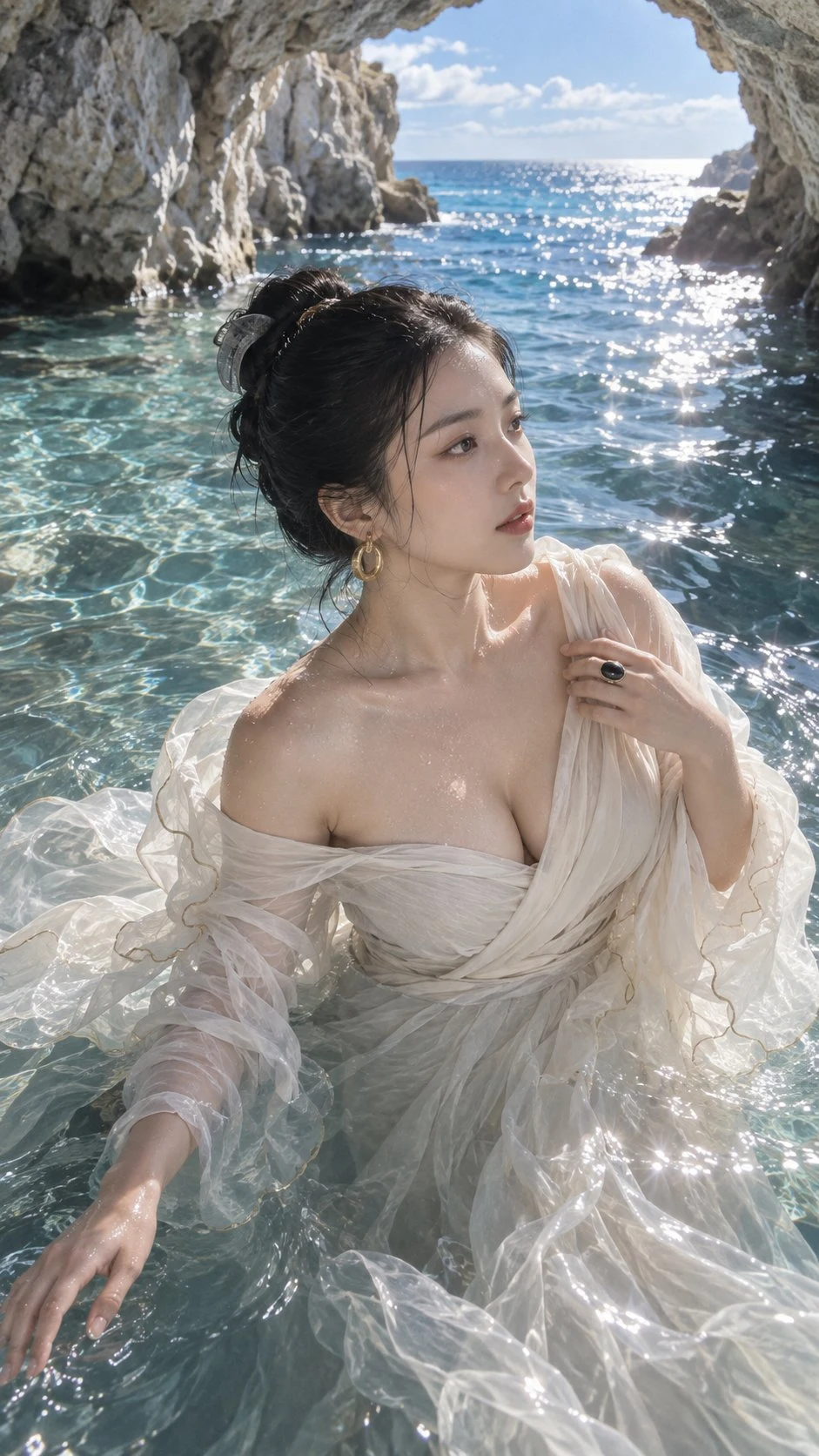
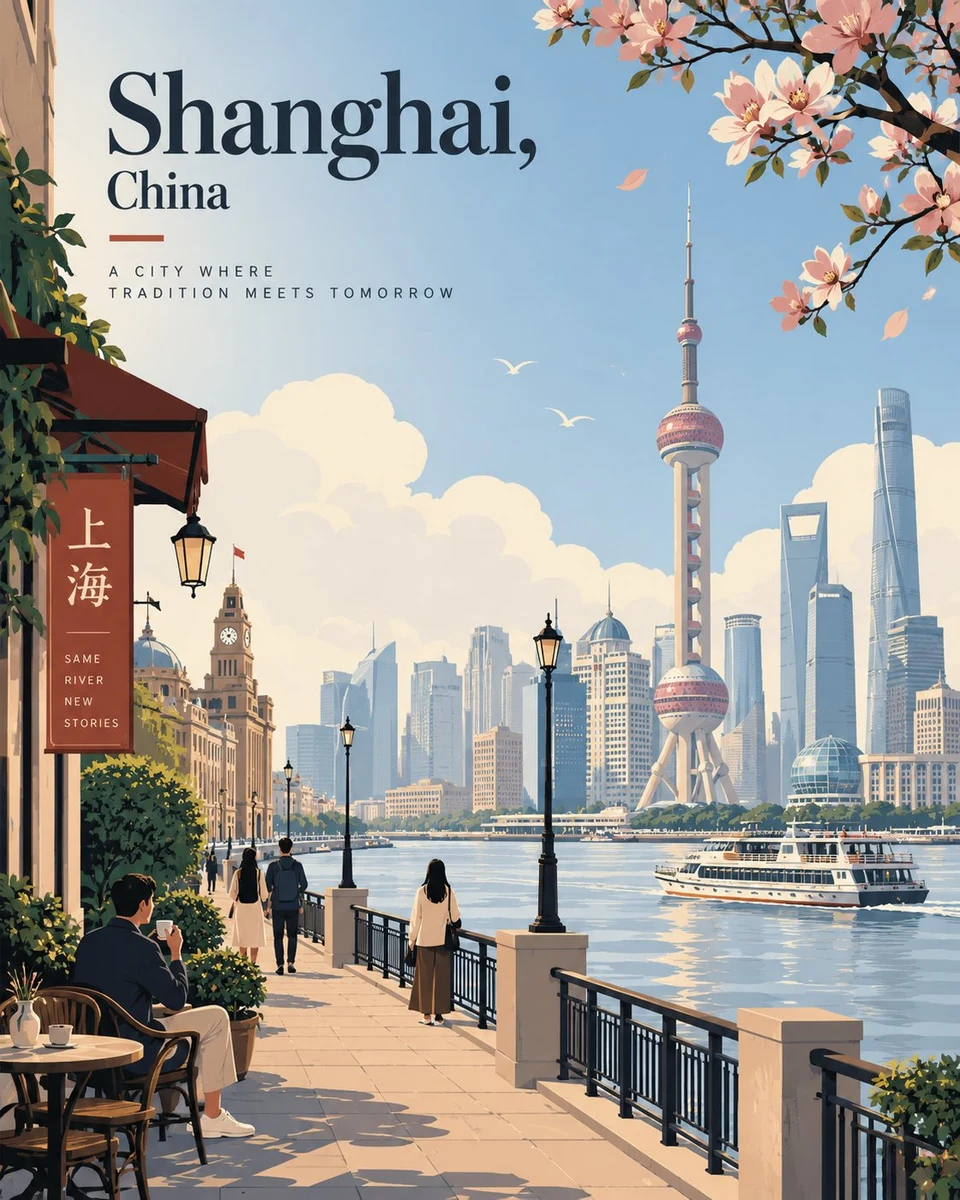
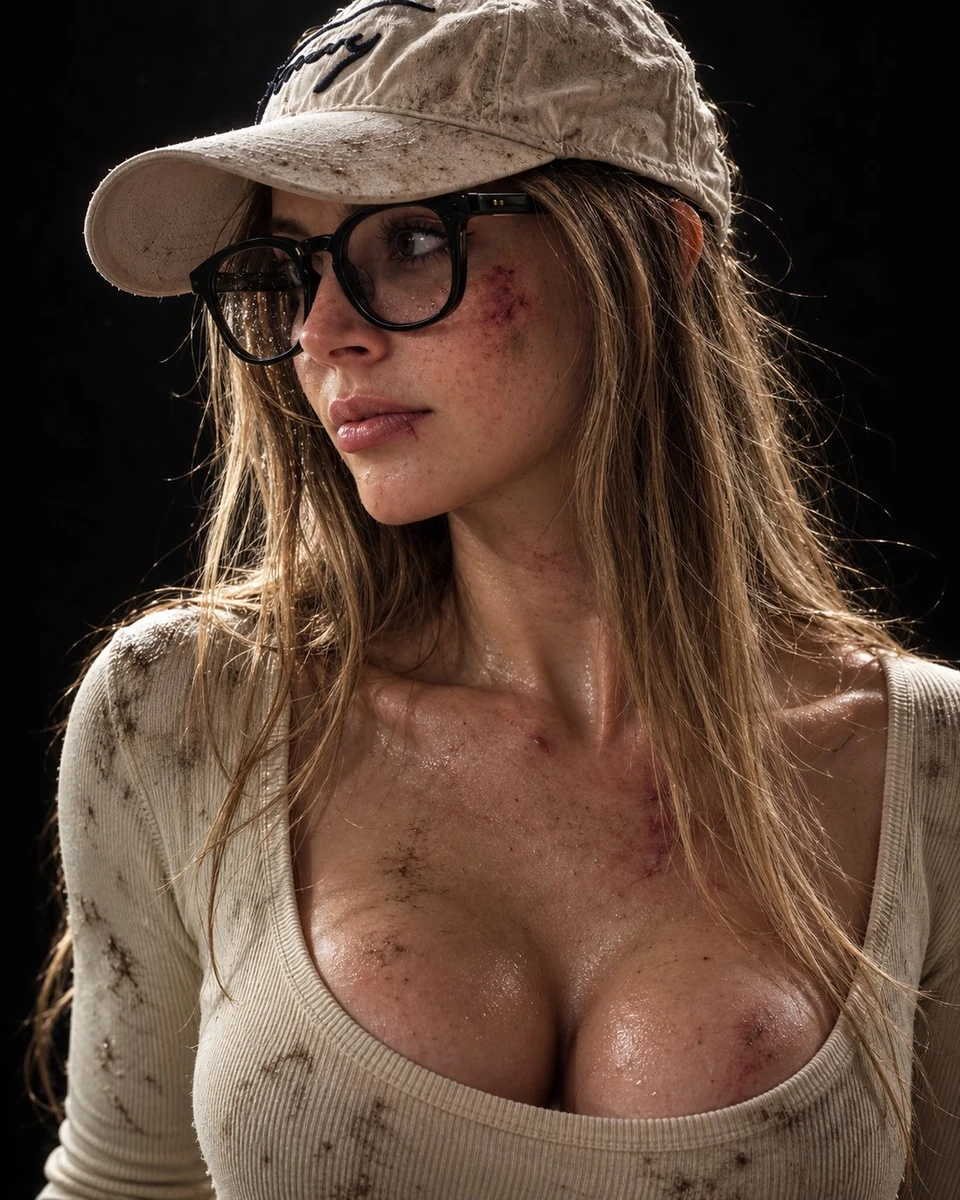
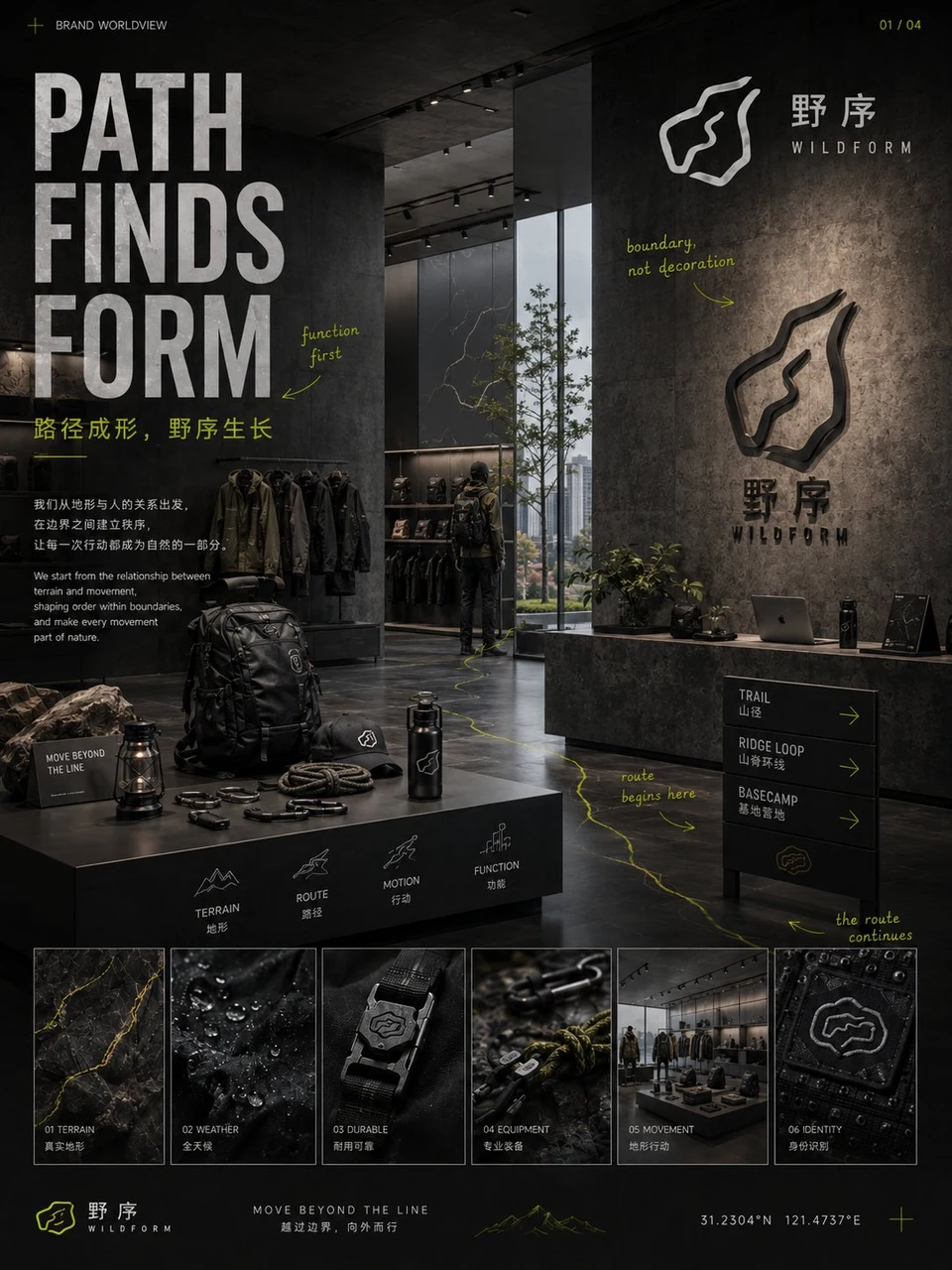
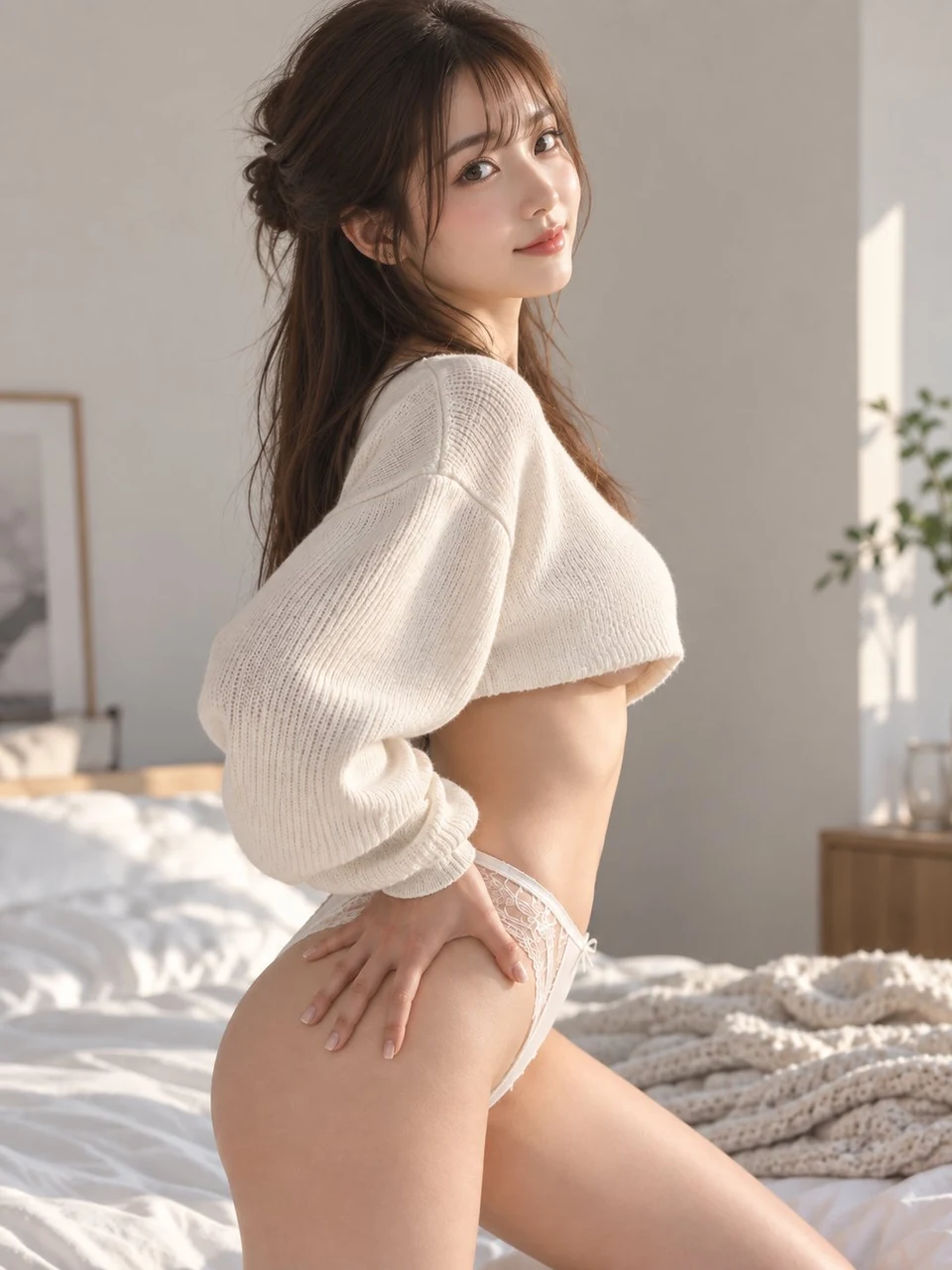
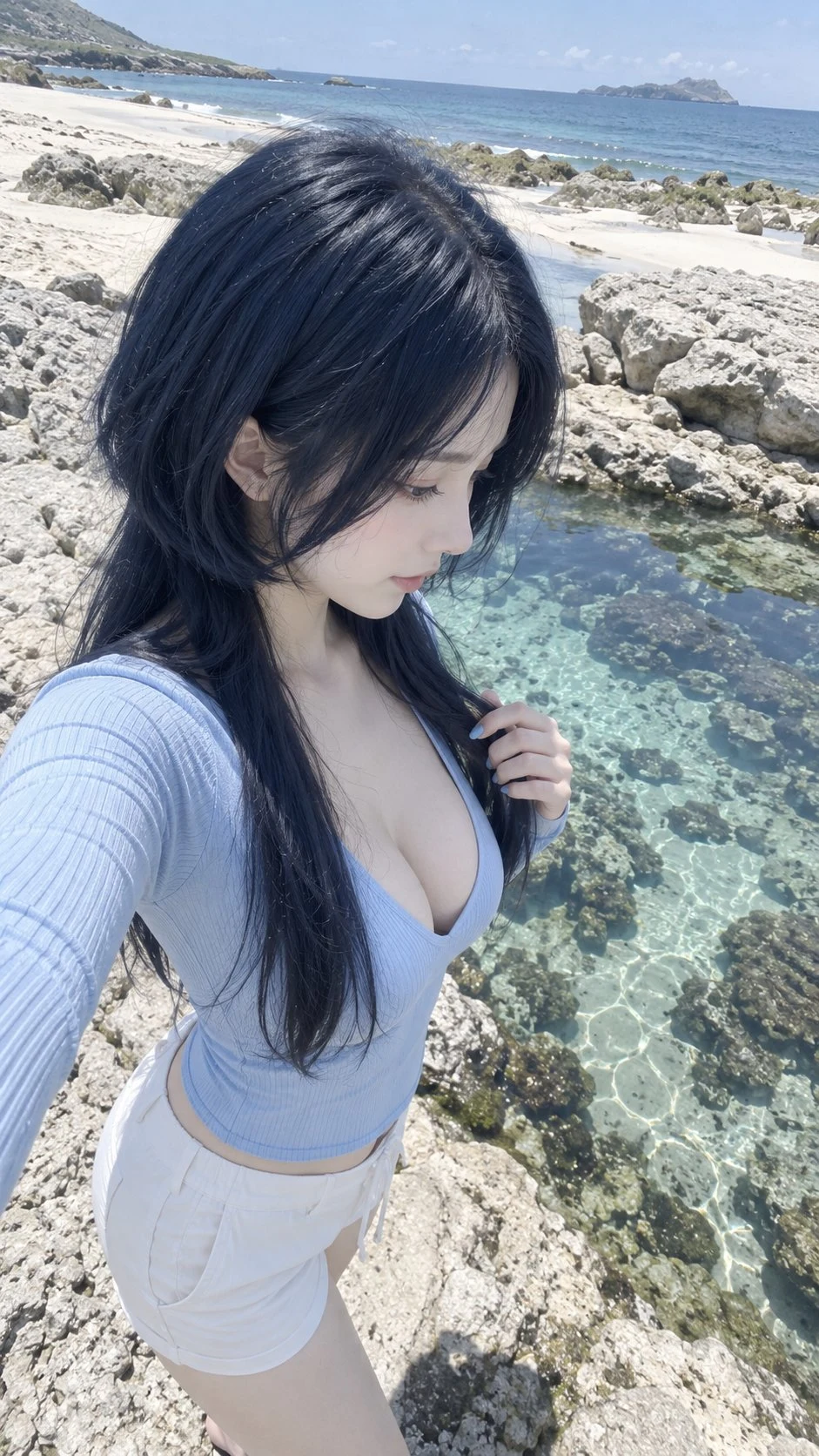
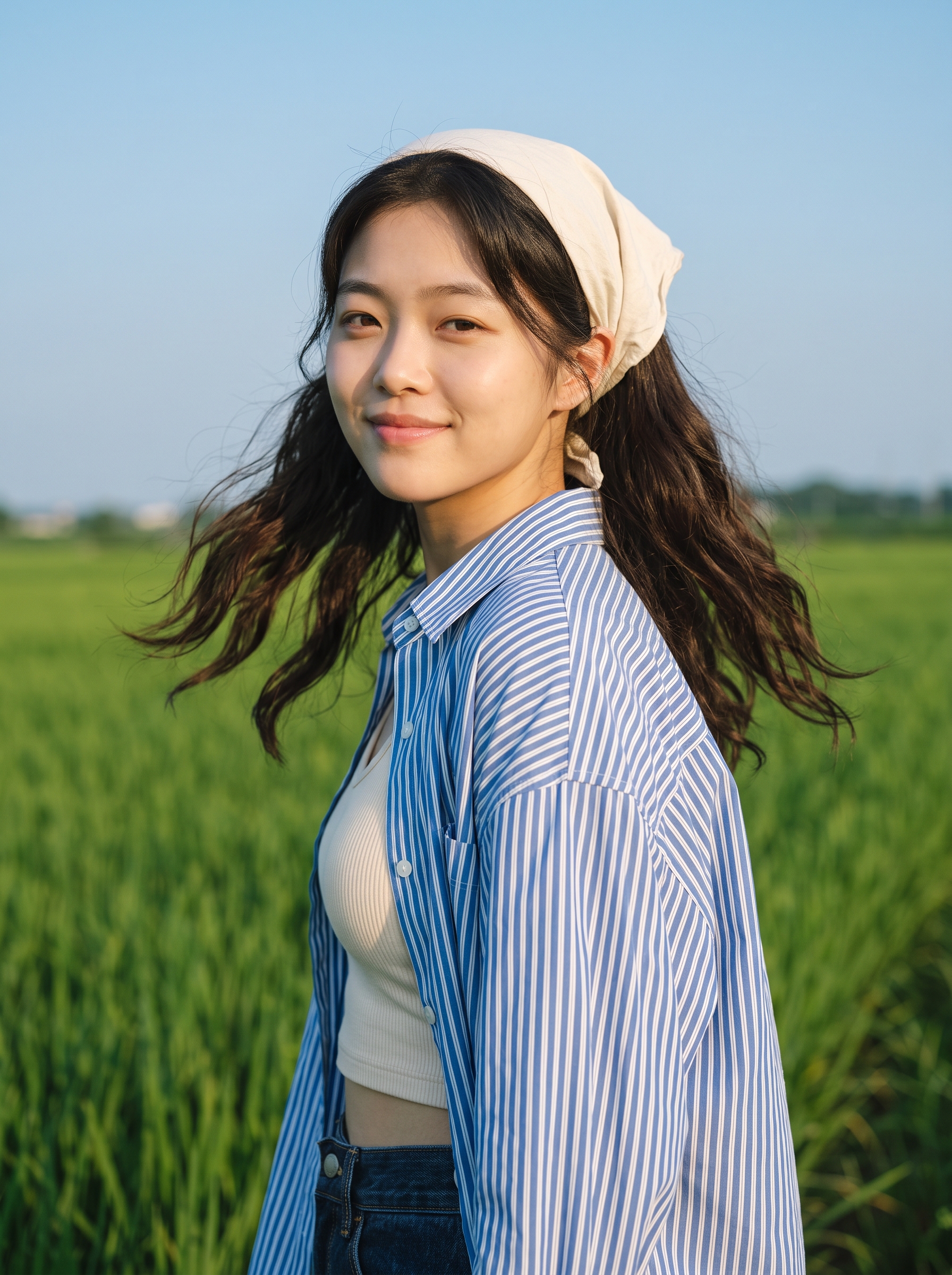
GPT Image 2 is a OpenAI image model in Caika. It currently supports text-to-image and reference-guided creation. Its published Caika gallery includes portraits, product visuals, posters, characters, paper-cut art, and illustrated scenes, giving you concrete prompts to inspect before creating.
Specifications come from Caika's current model configuration and may change with provider or product settings; confirm final controls and credits in the creation panel.
Current model capabilities in Caika
- Model provider
- OpenAI
- Input modes
- Text-to-image and image input
- Reference images
- Supported; currently up to 16 with one output
- Output sizes
- 1K / 2K / 4K (member)
- Outputs
- Up to 4 images per request
- Access
- Member model
Published GPT Image 2 examples and prompts
These are published Caika works assigned to GPT Image 2. Open any image to inspect its prompt, tags, model attribution, and reuse options.
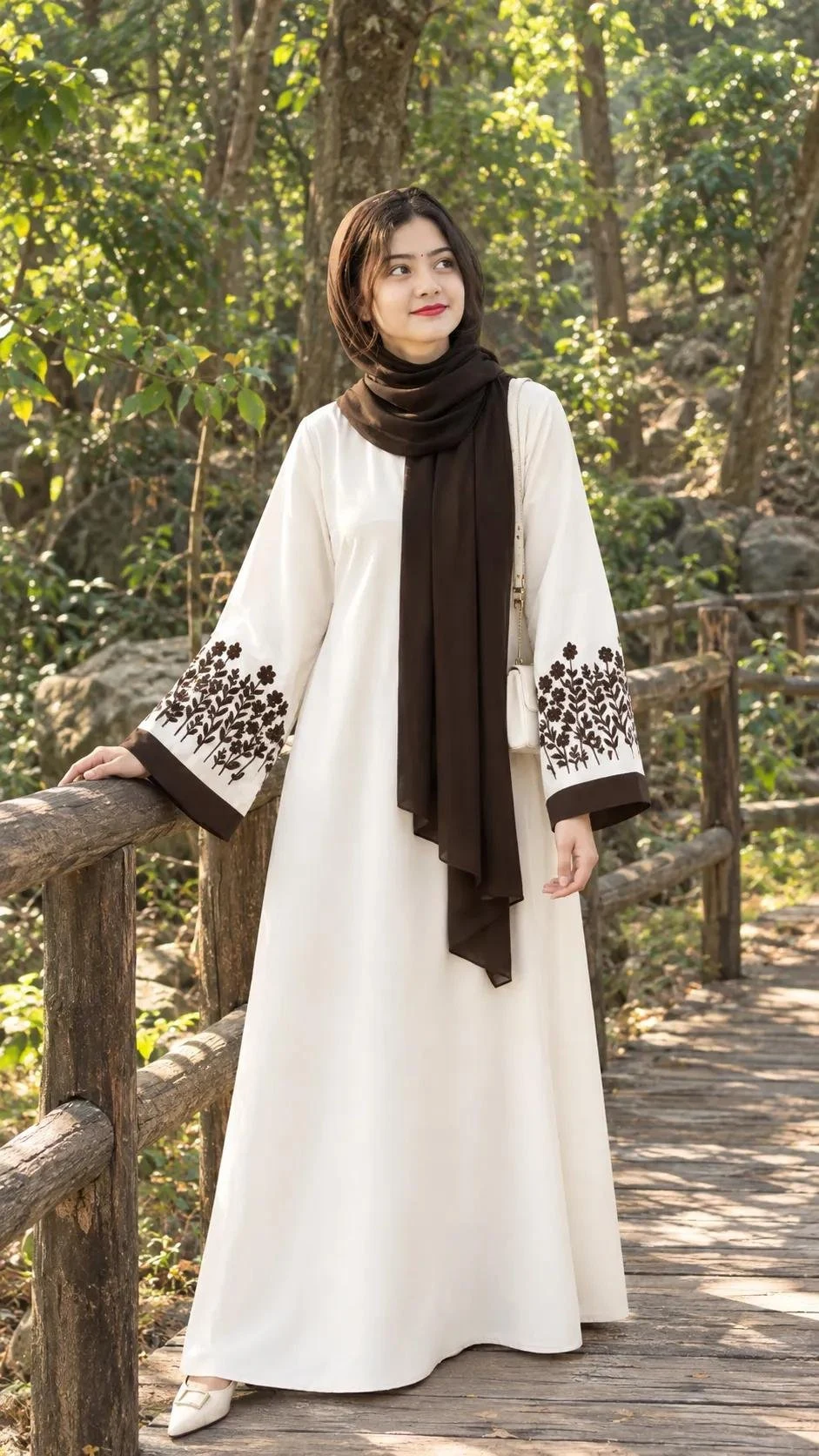
 Zarnish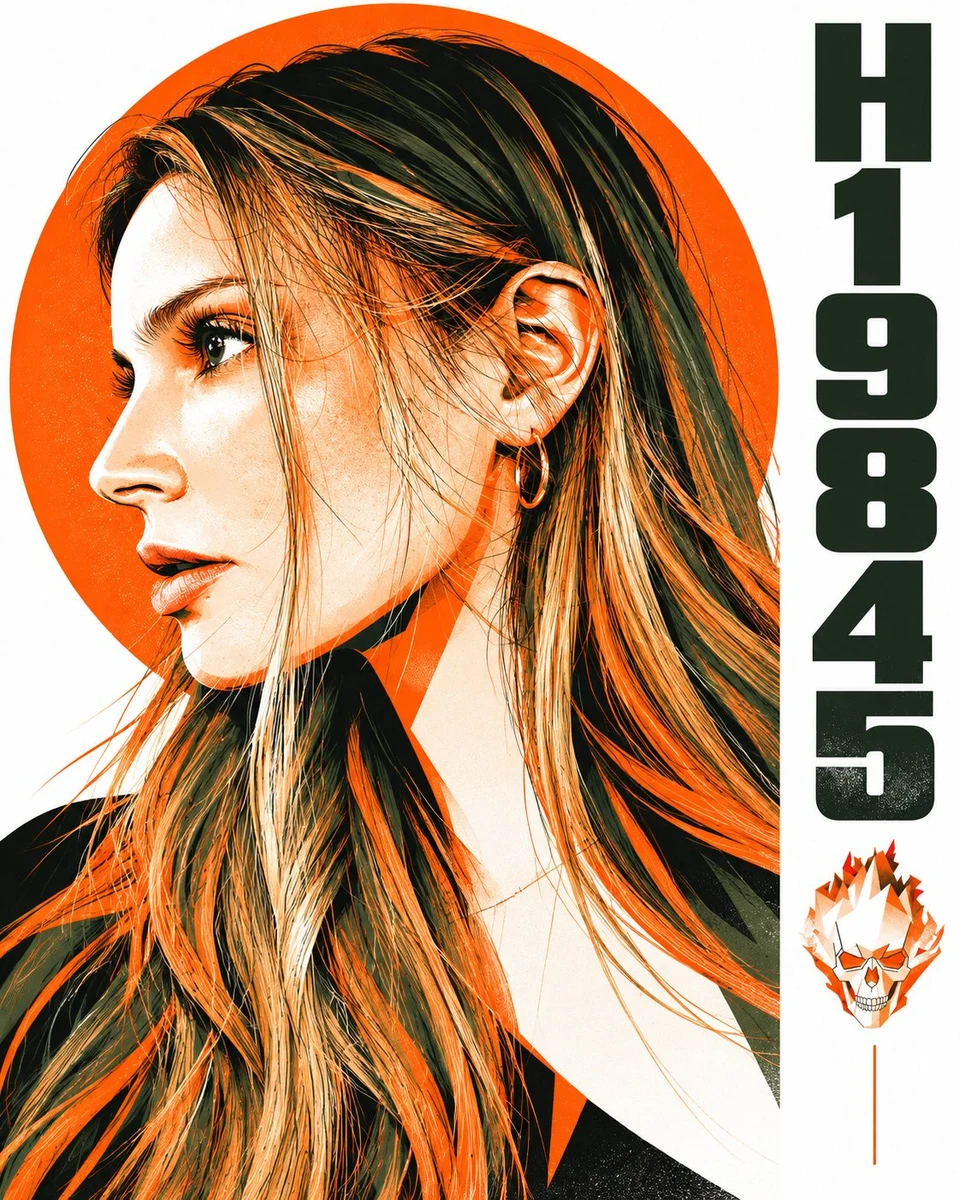
 HER19845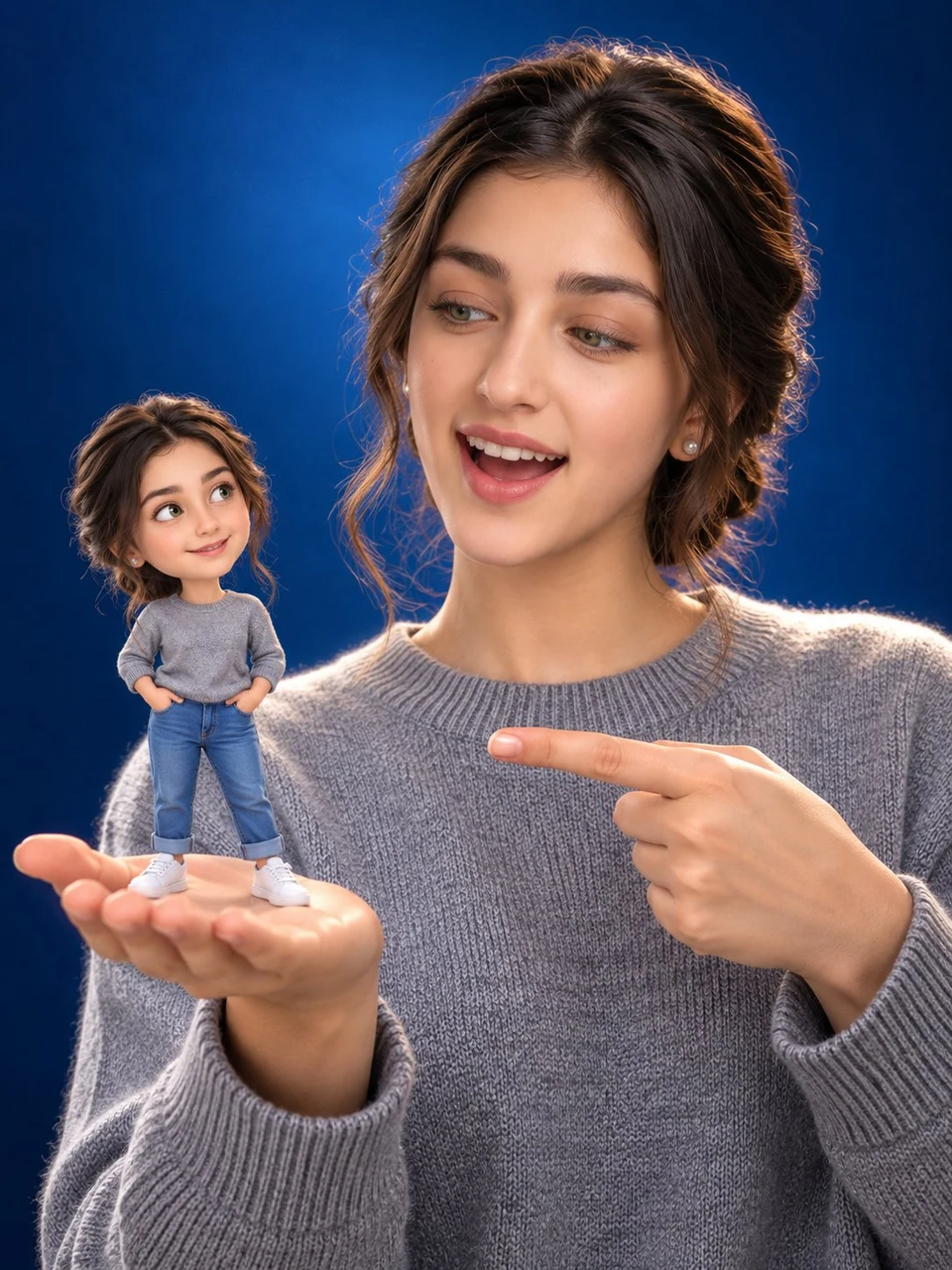
 Elsa Ai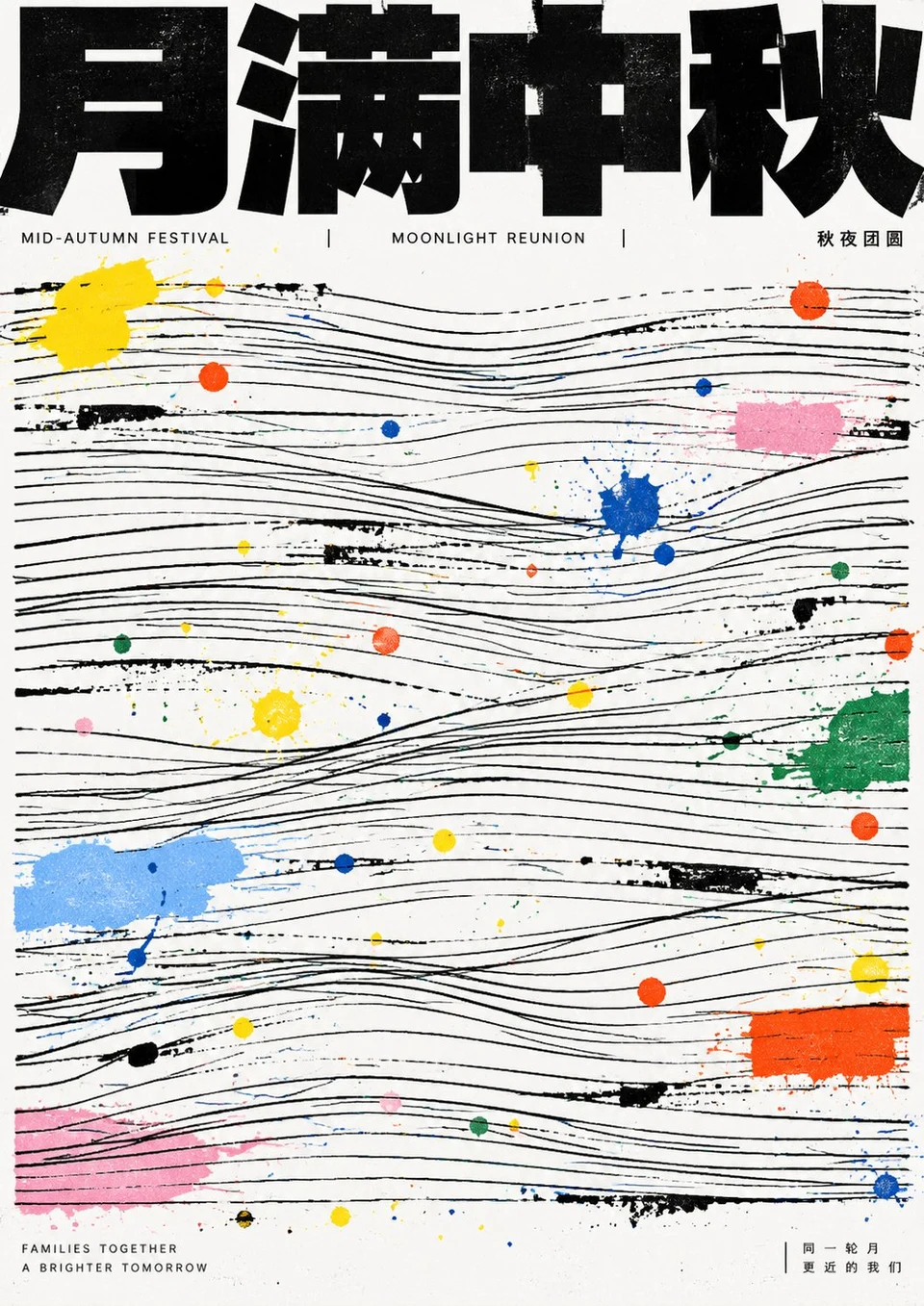
 小小东
小小东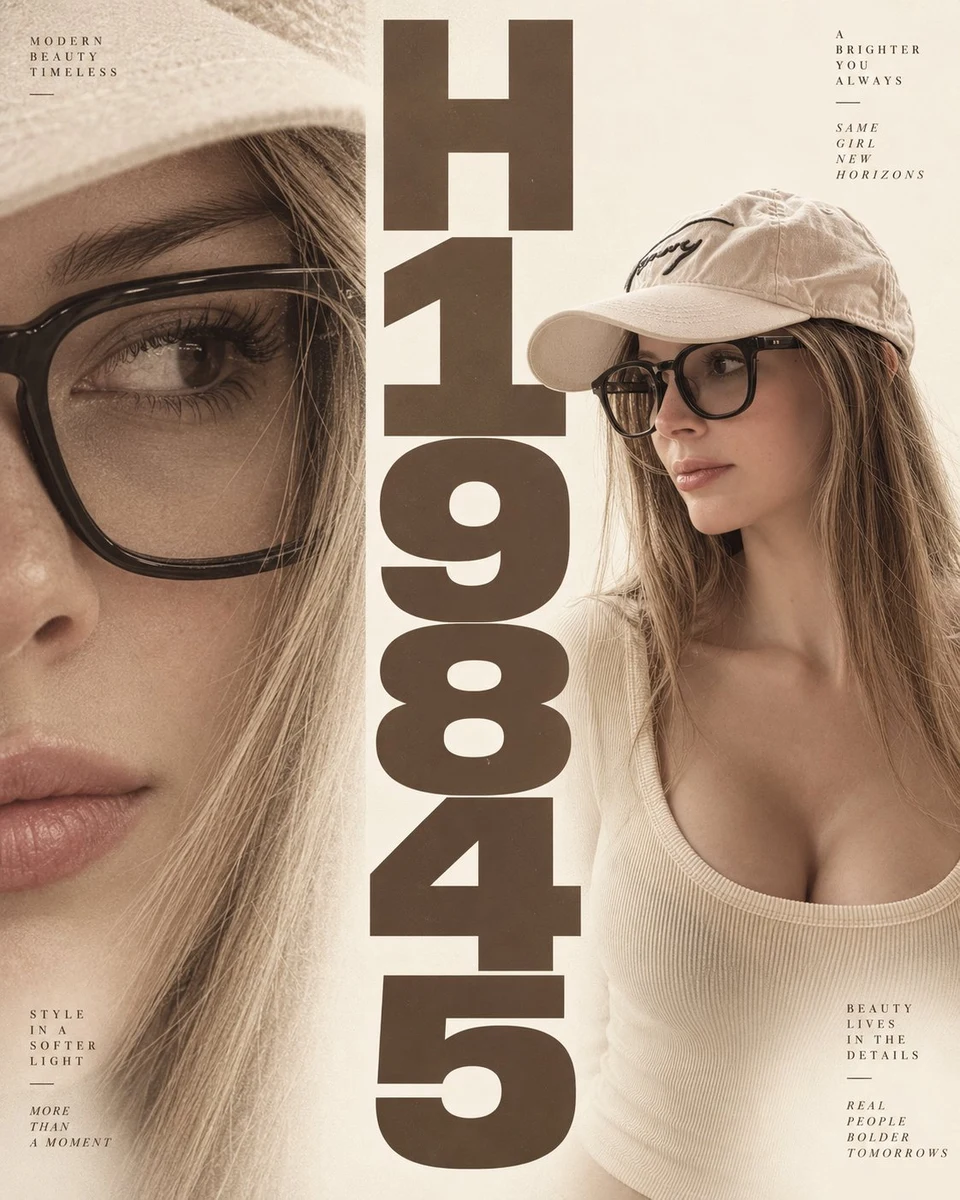 HER19845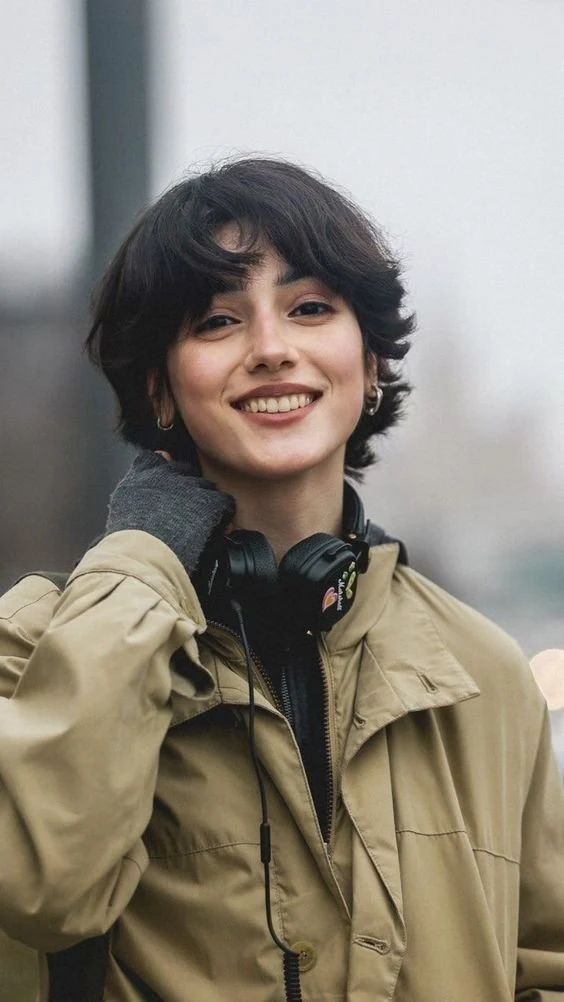
 Harboris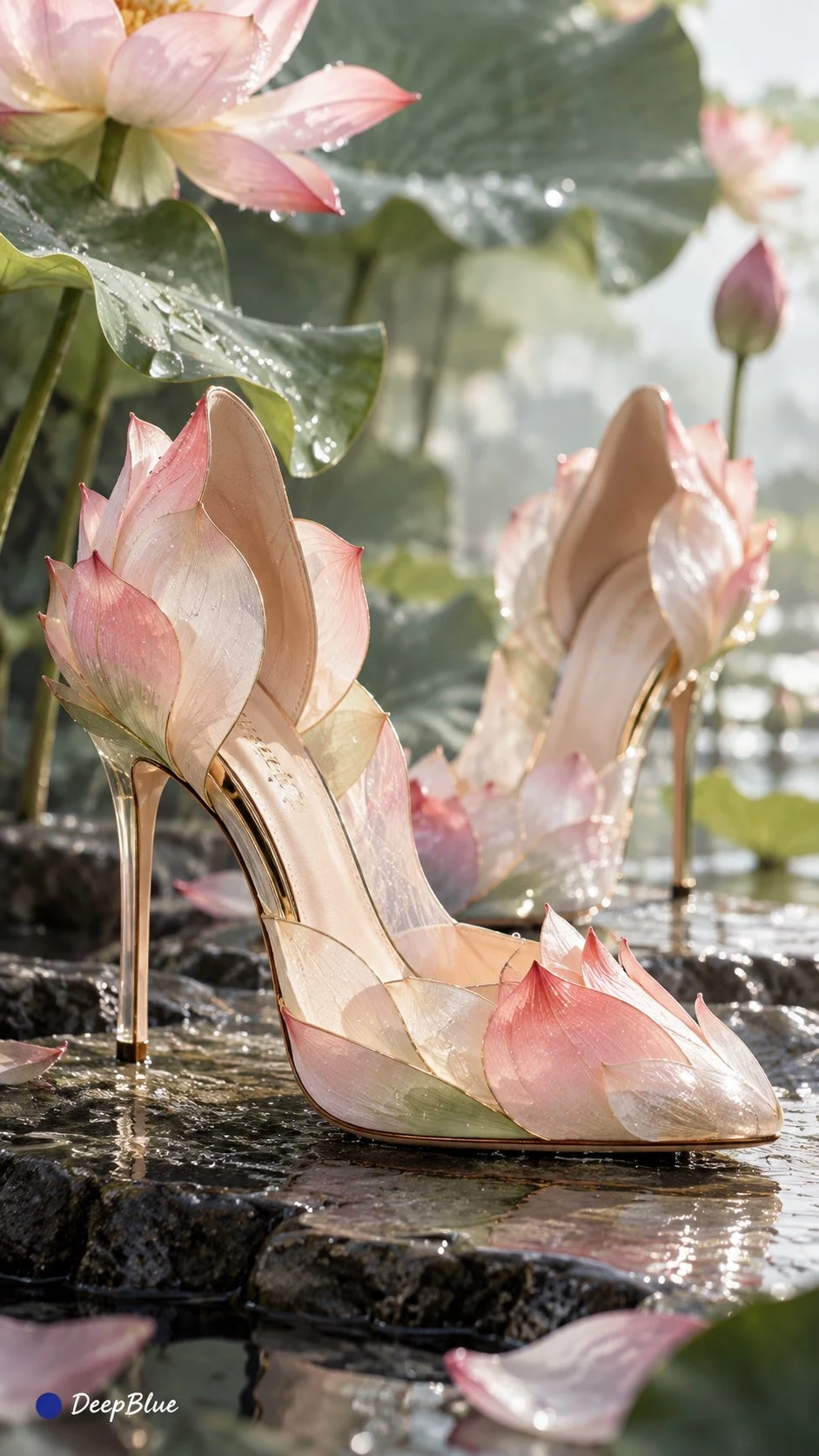
 DeepBlue深藍
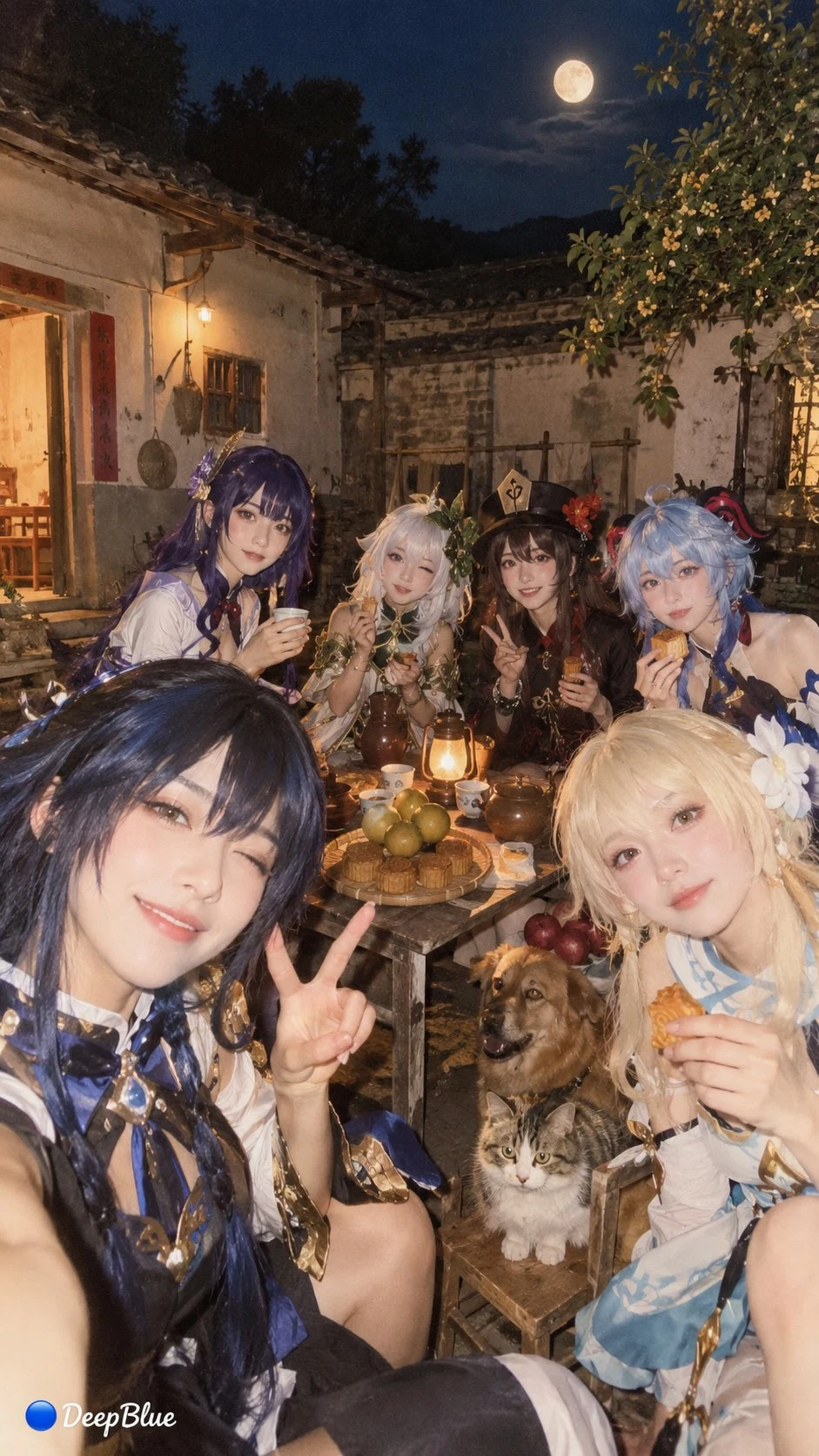 DeepBlue深藍
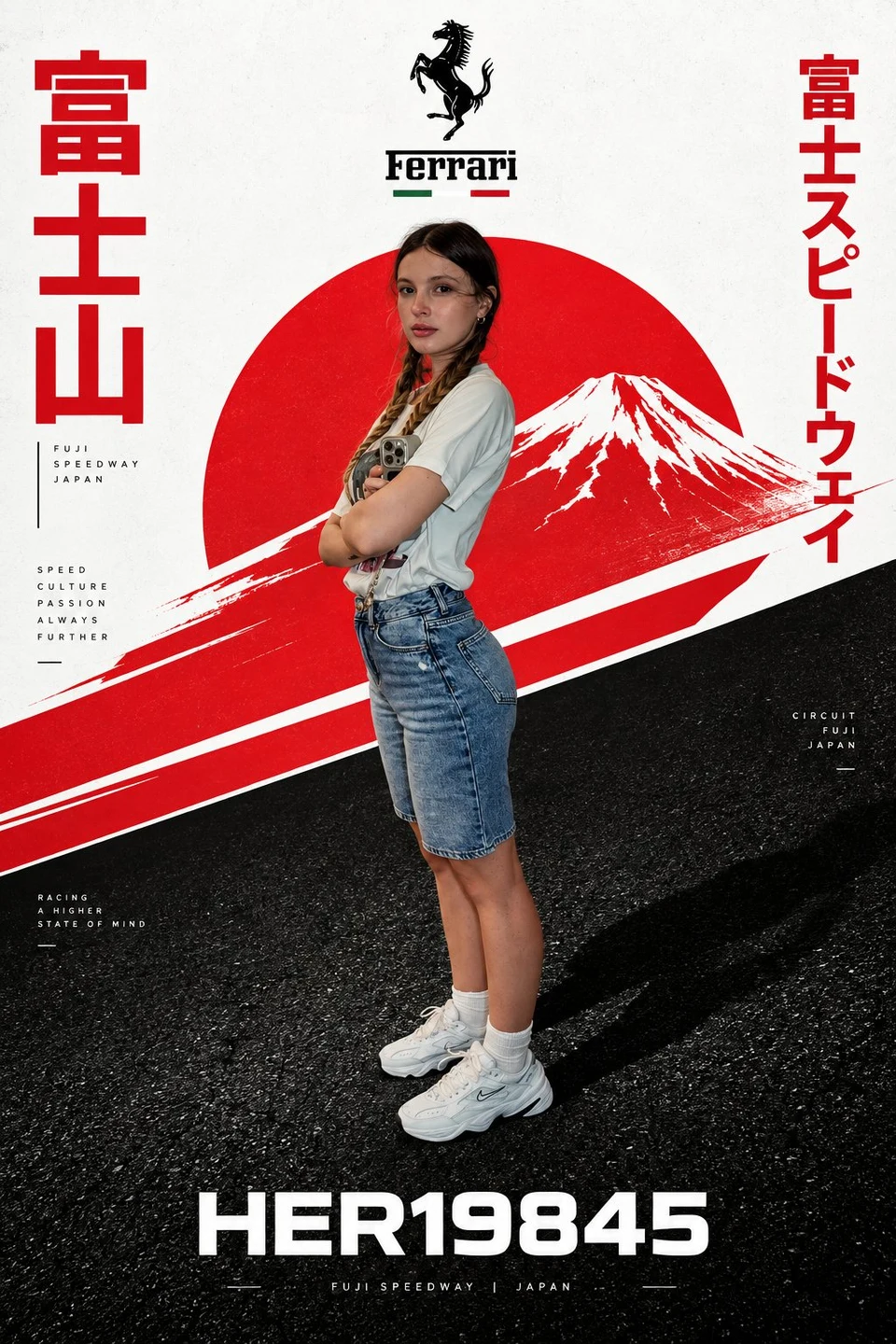 HER19845
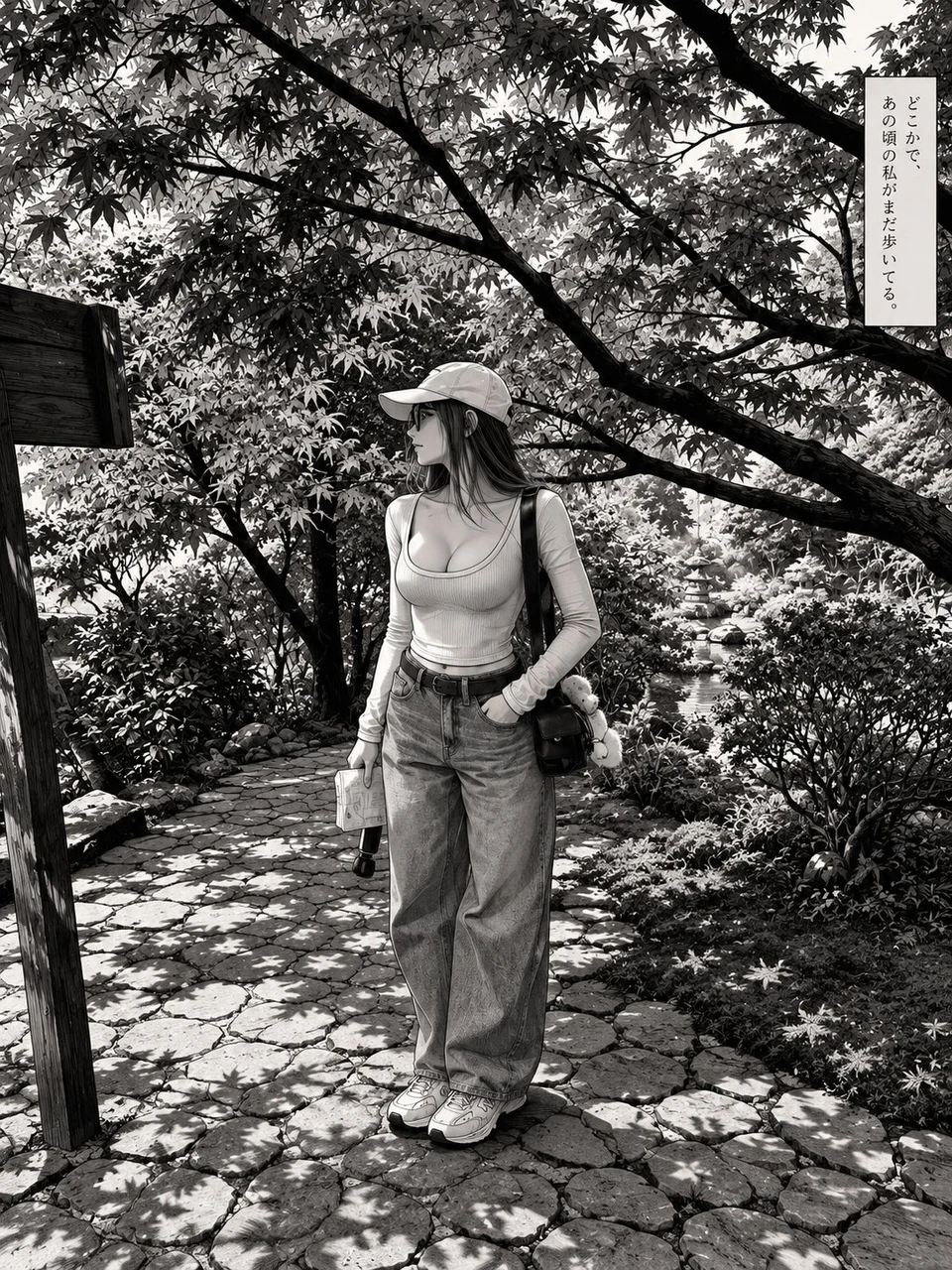 HER19845
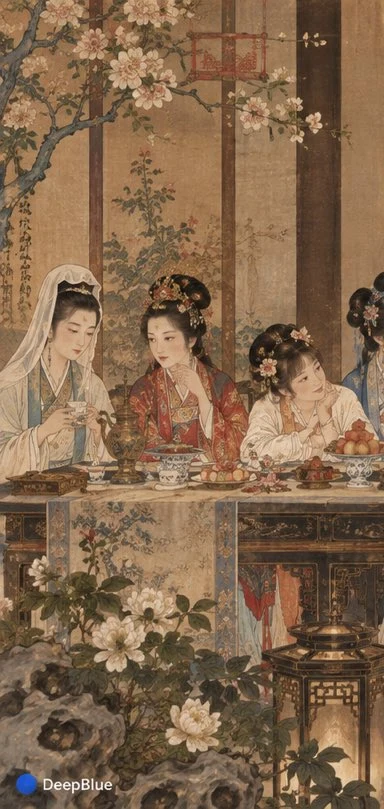 DeepBlue深藍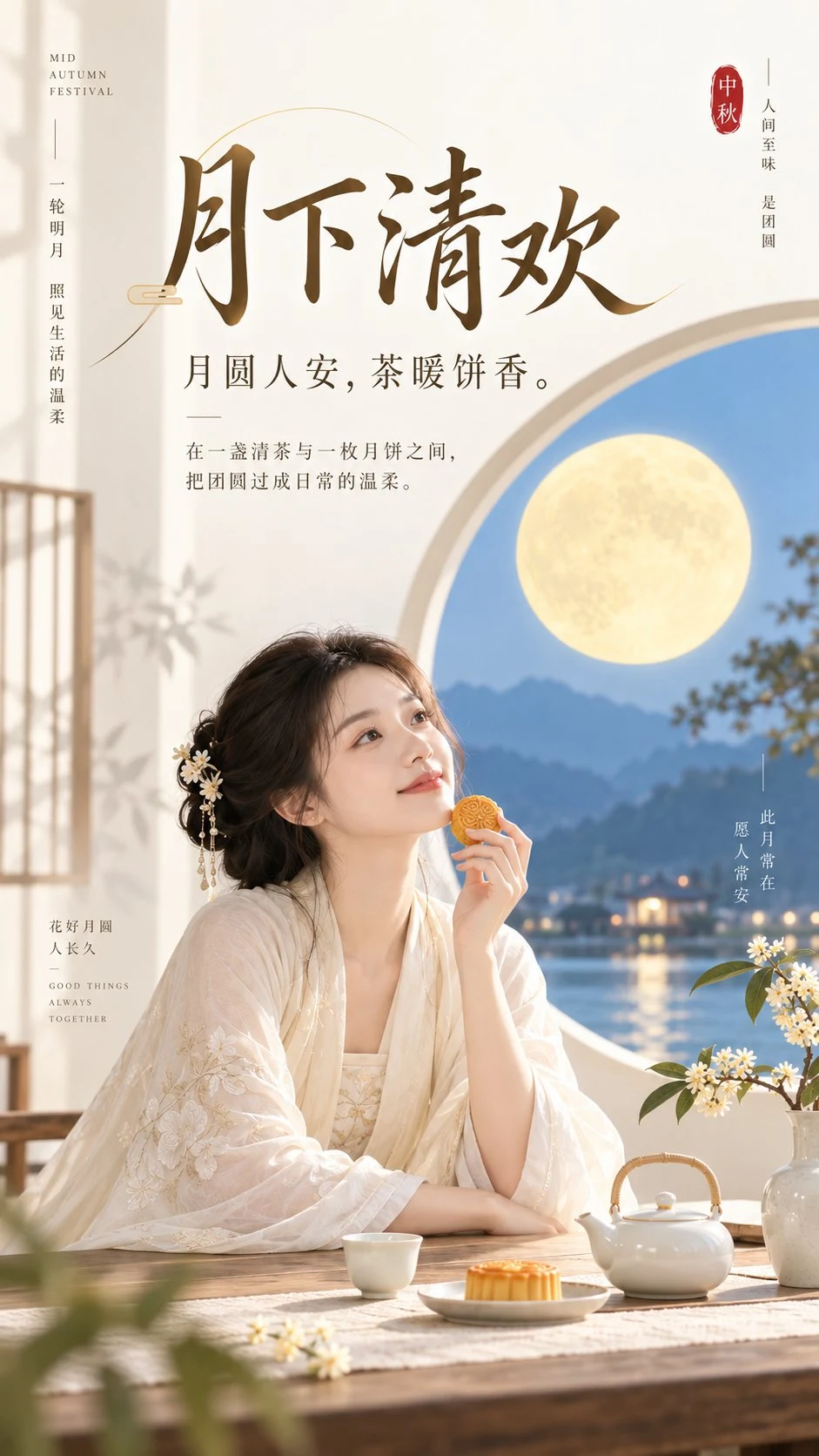
 李岳
李岳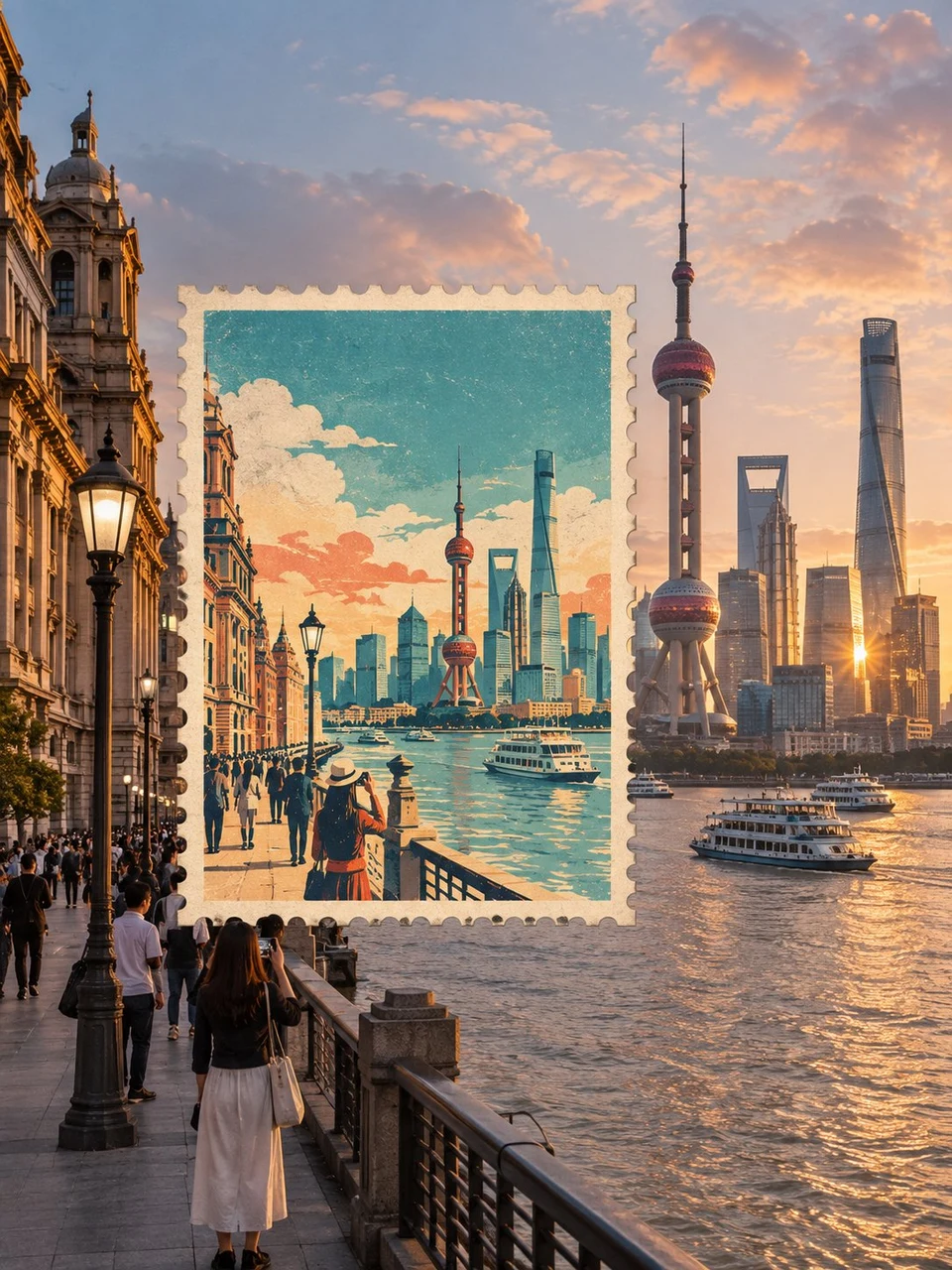
 Saul Goodman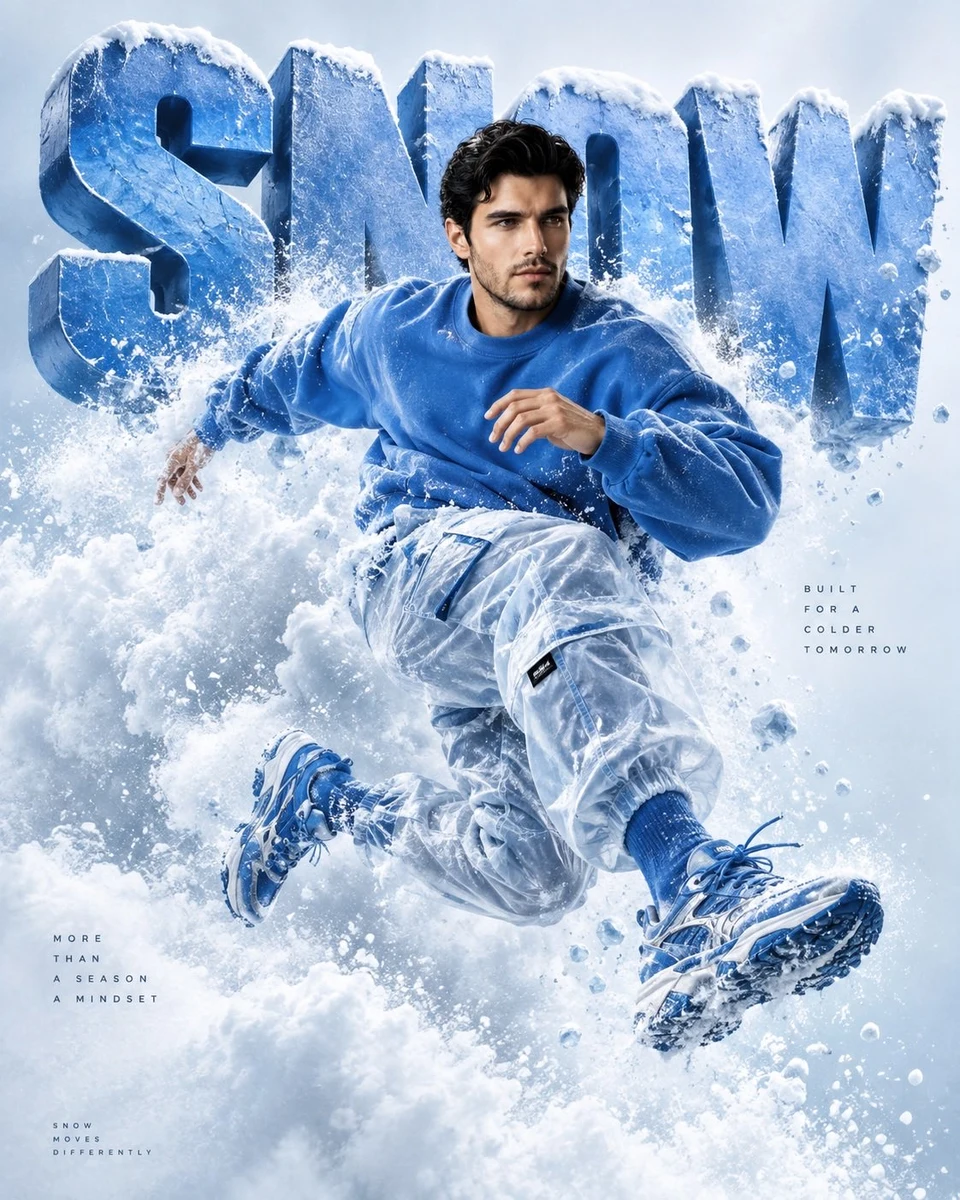
 Snow
Snow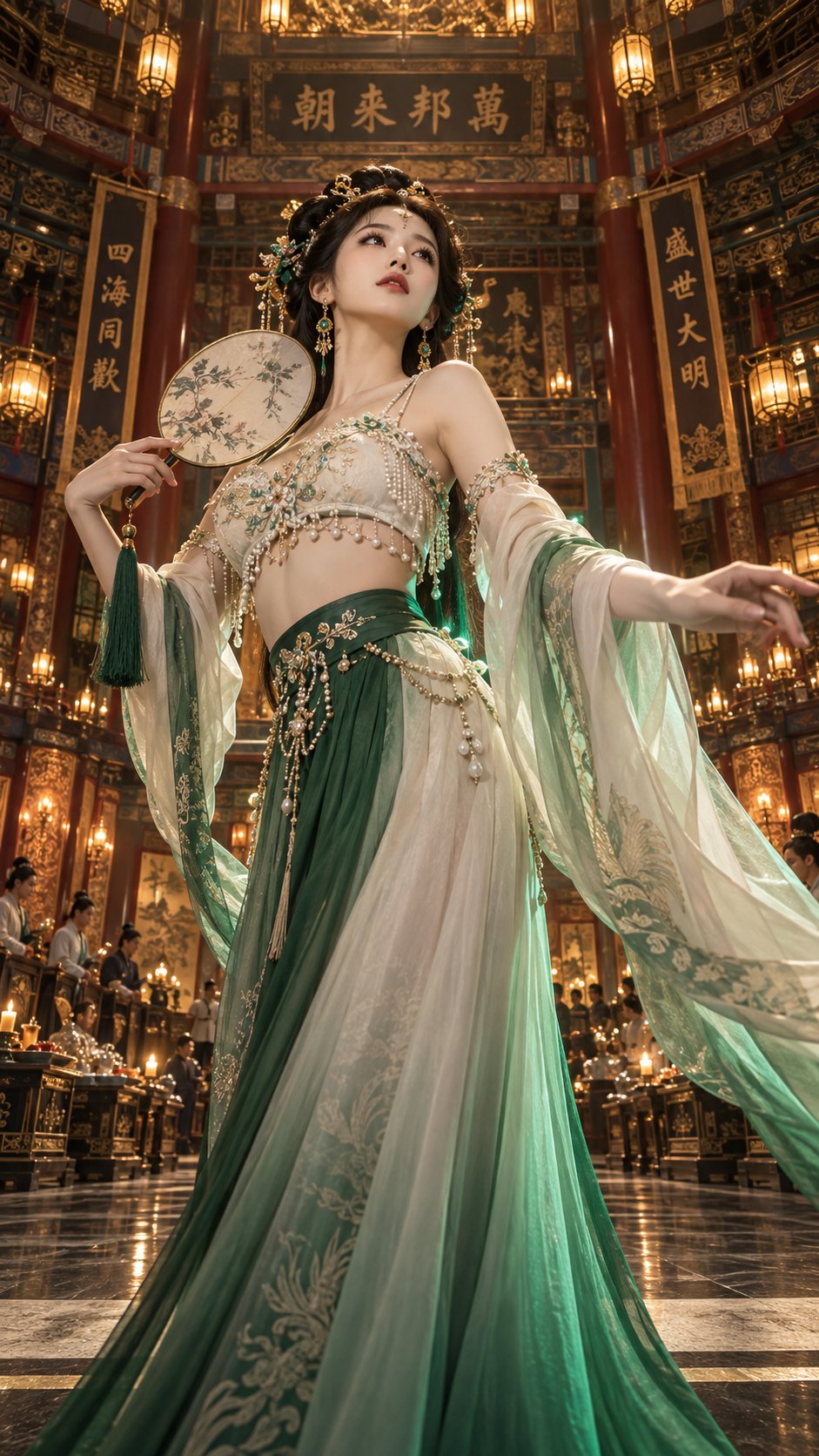
 Mr.pinecone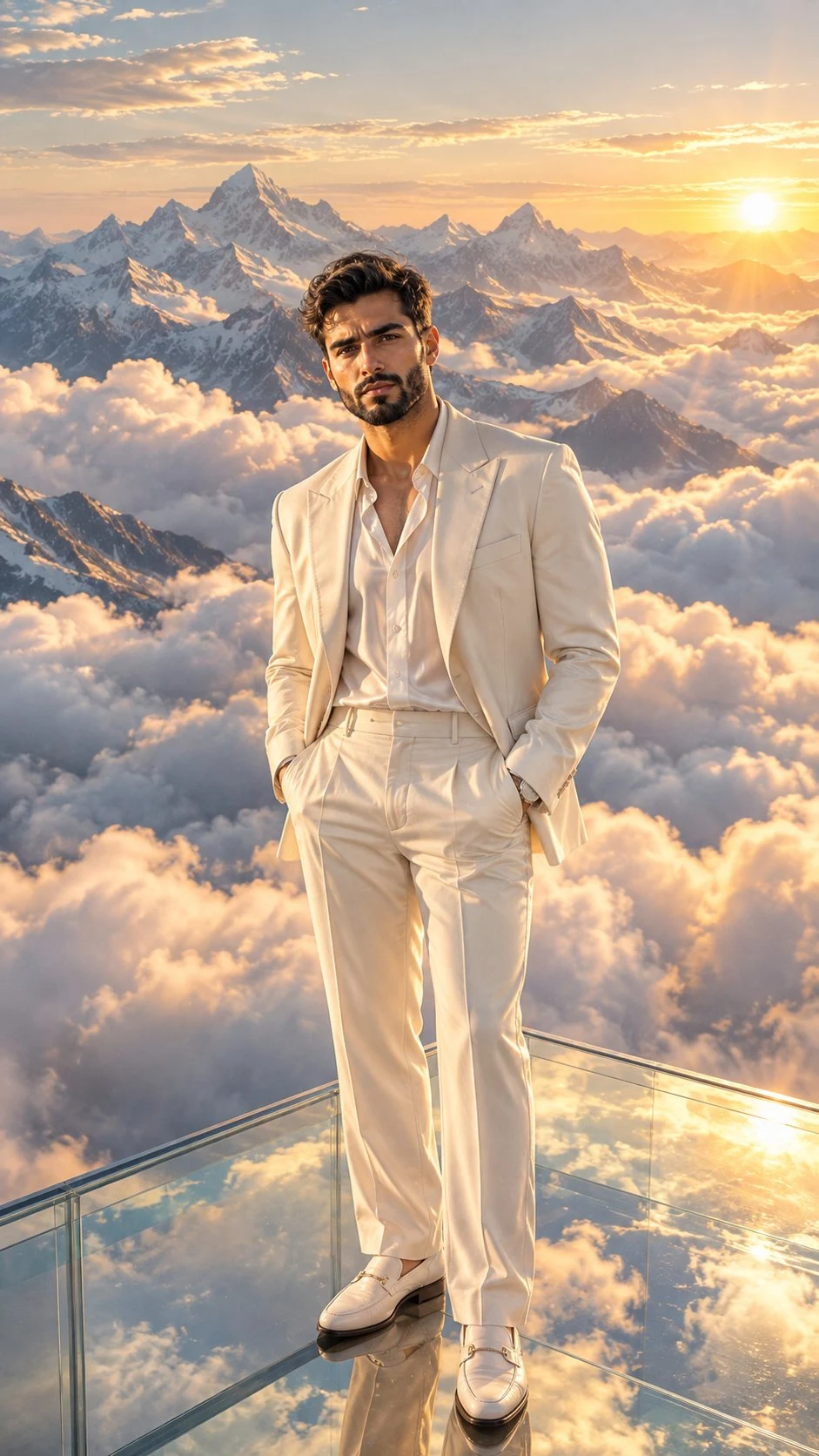
 HeisenLegacy
 Saul Goodman
 HER19845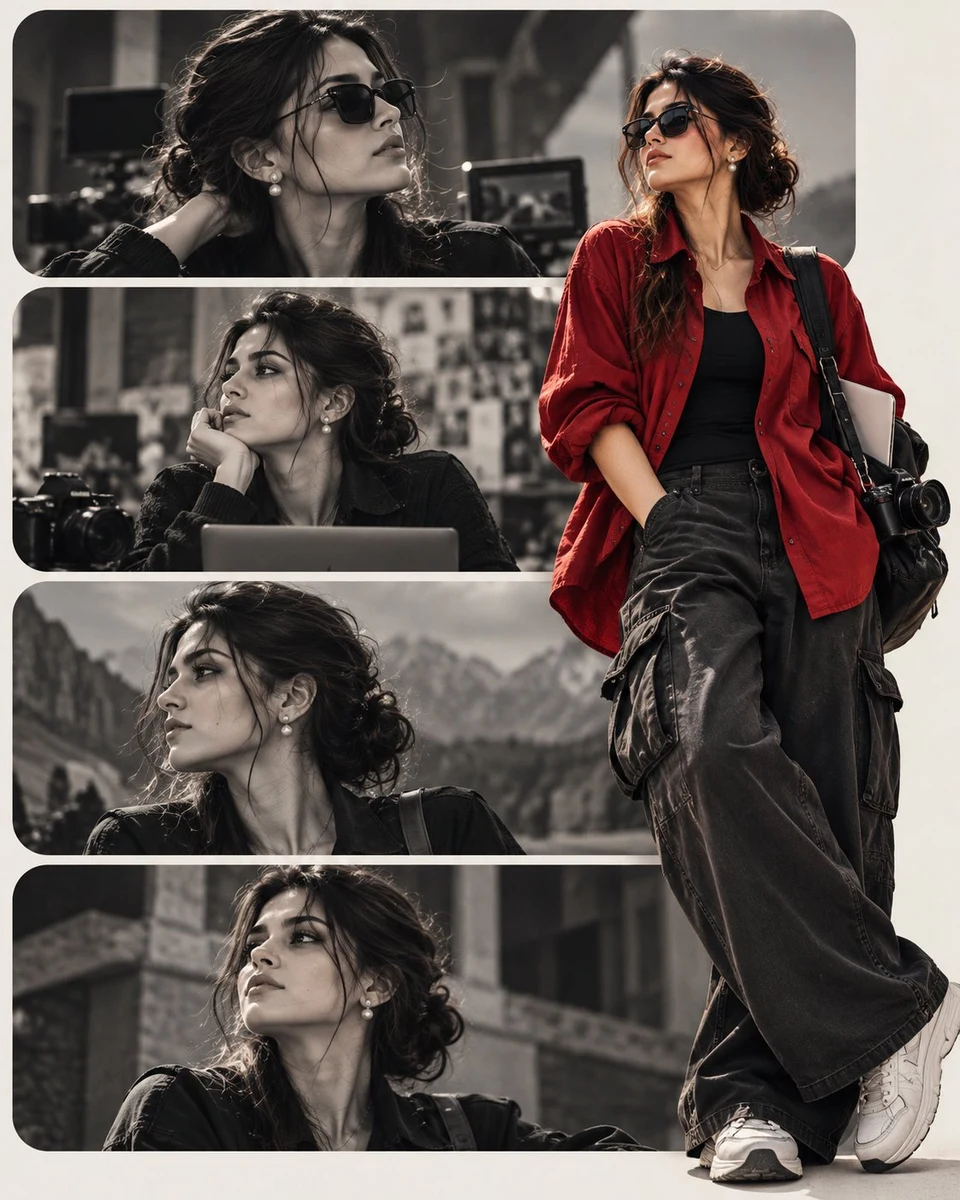
 Future Vibes AI - Testing & Educating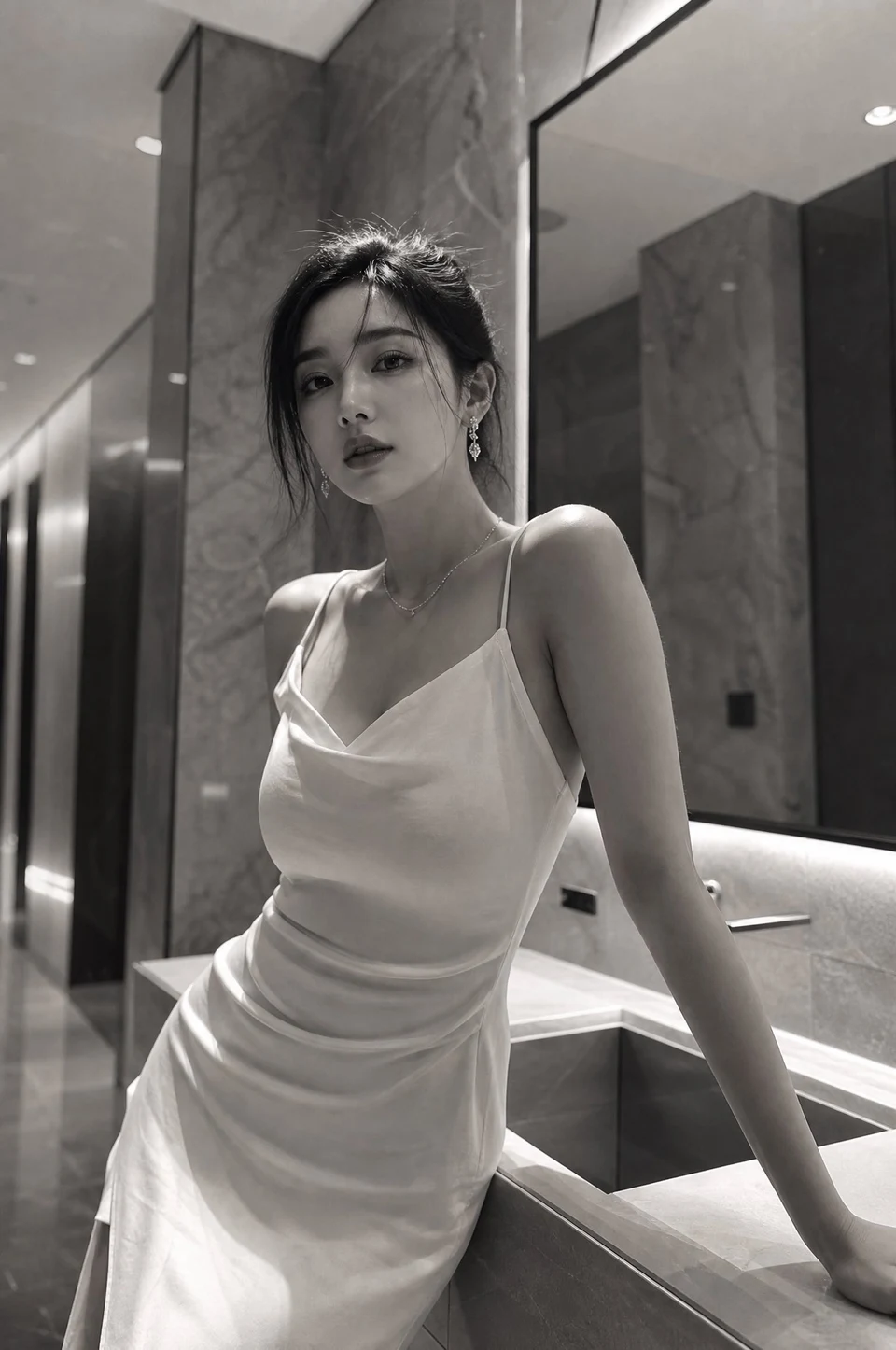
 David
David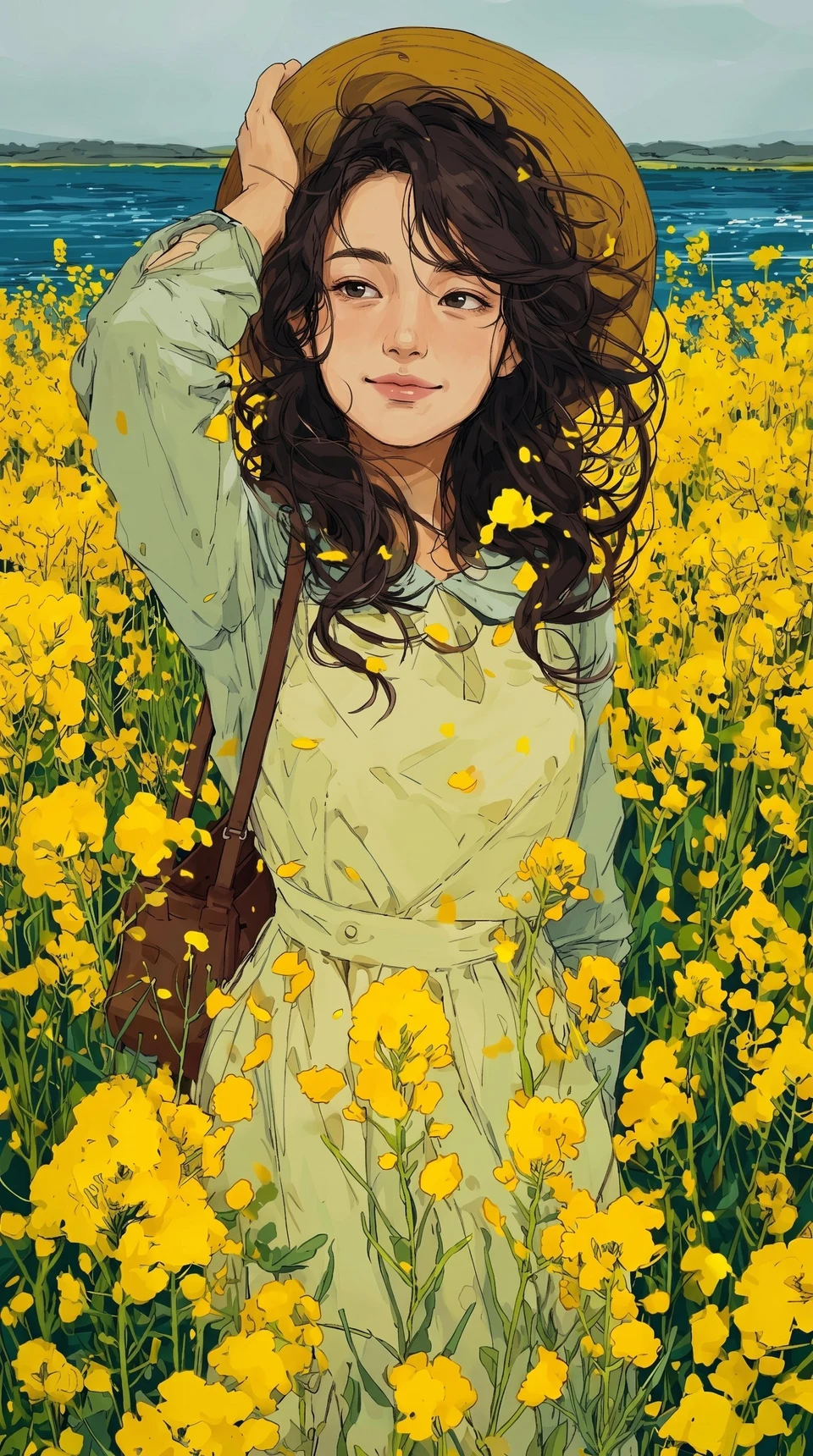
 𝑨𝒇𝒓𝒊𝒏
𝑨𝒇𝒓𝒊𝒏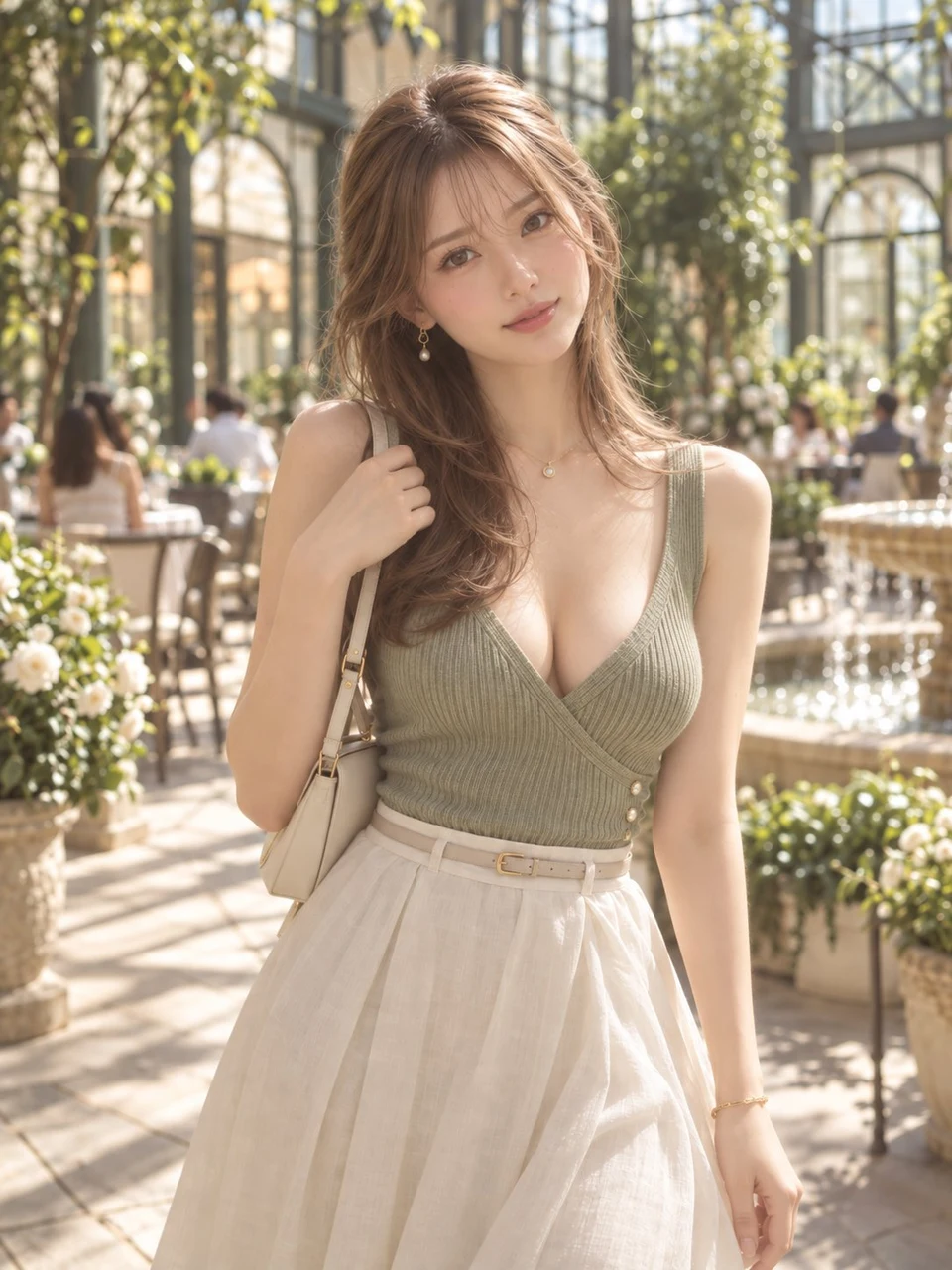
 Prompt アトリエ|AI画像プロンプト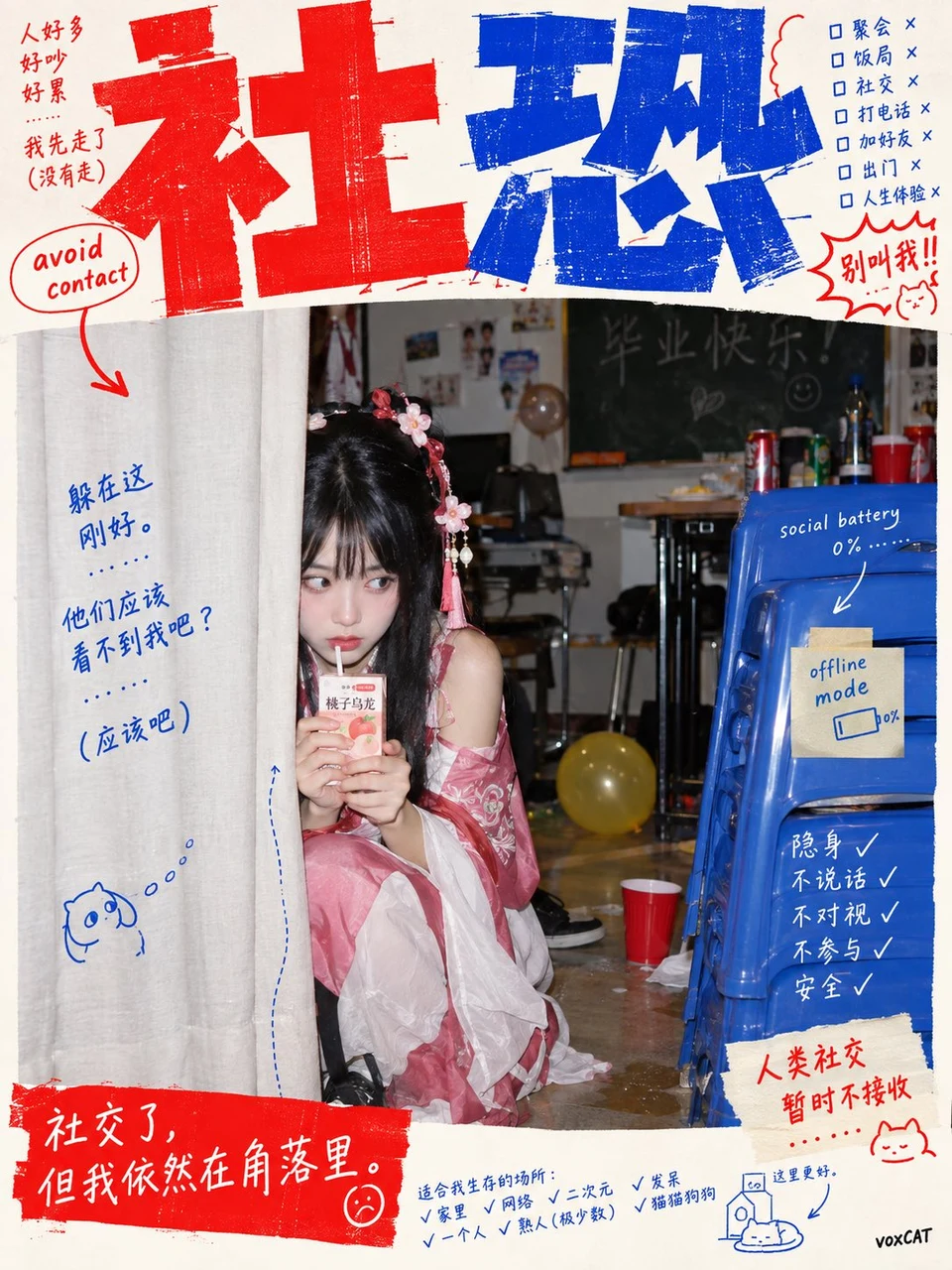
 VoxCat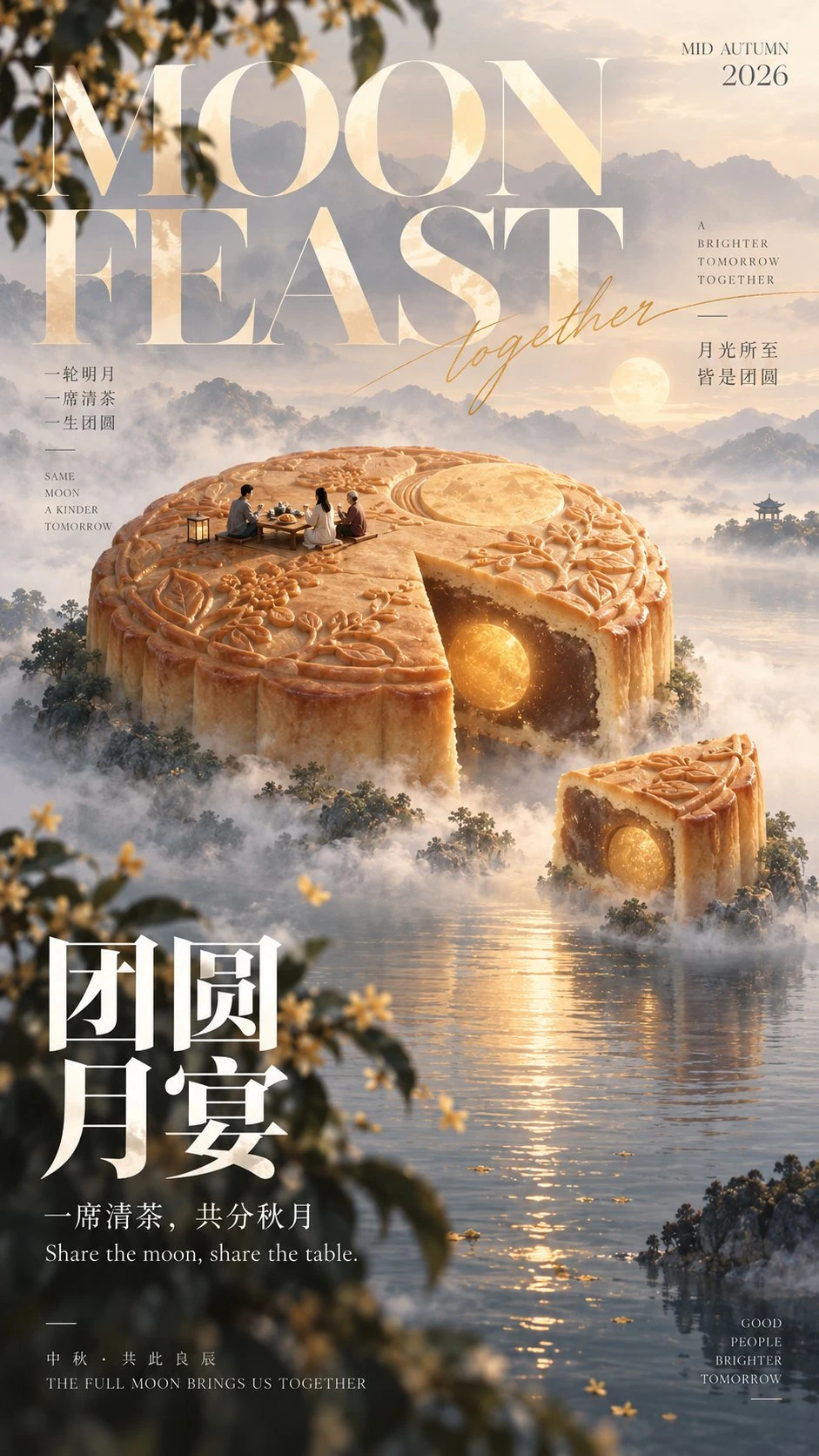
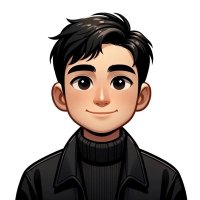 Larus Canus
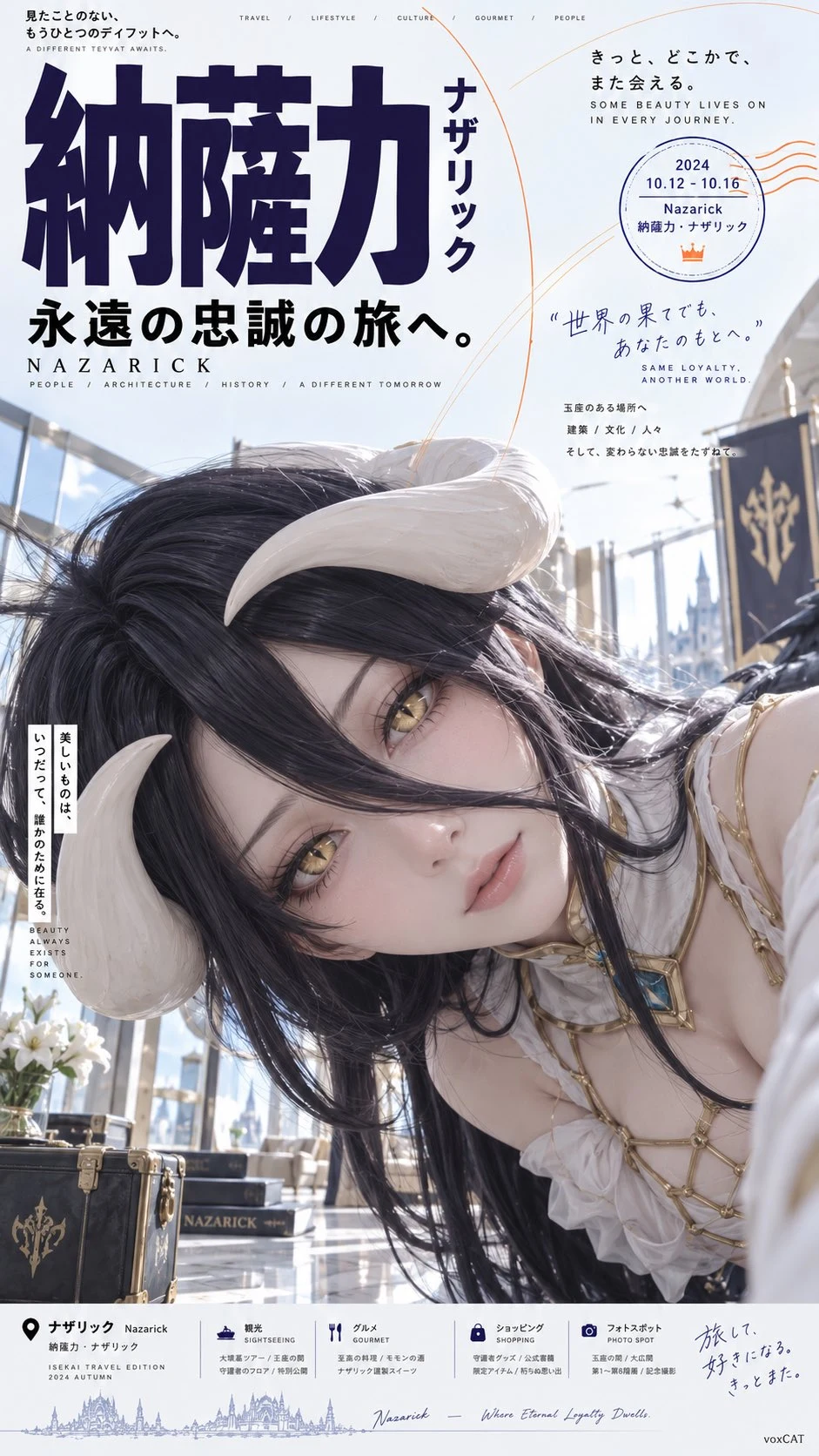 VoxCat
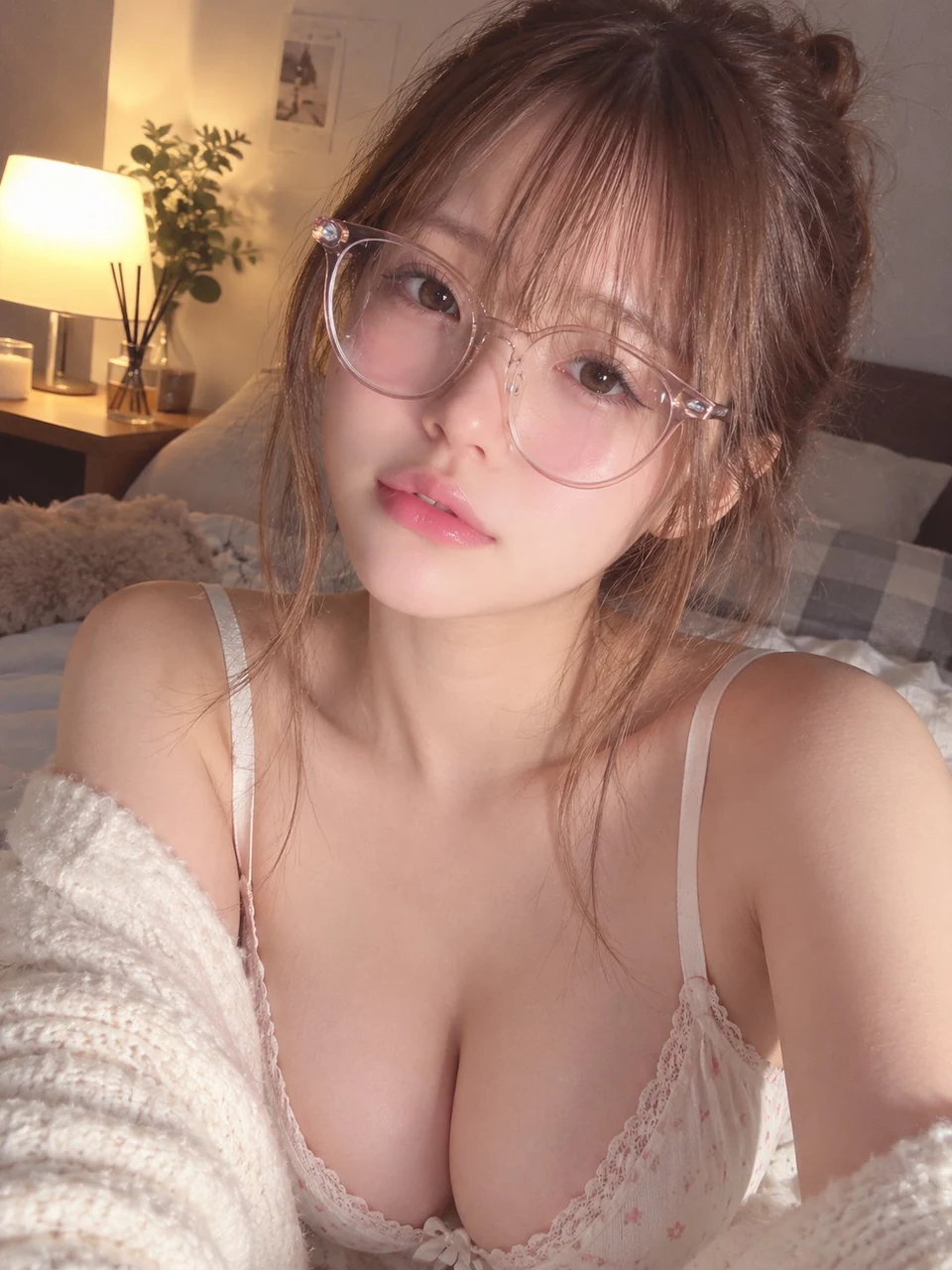 Prompt アトリエ|AI画像プロンプト
 Larus Canus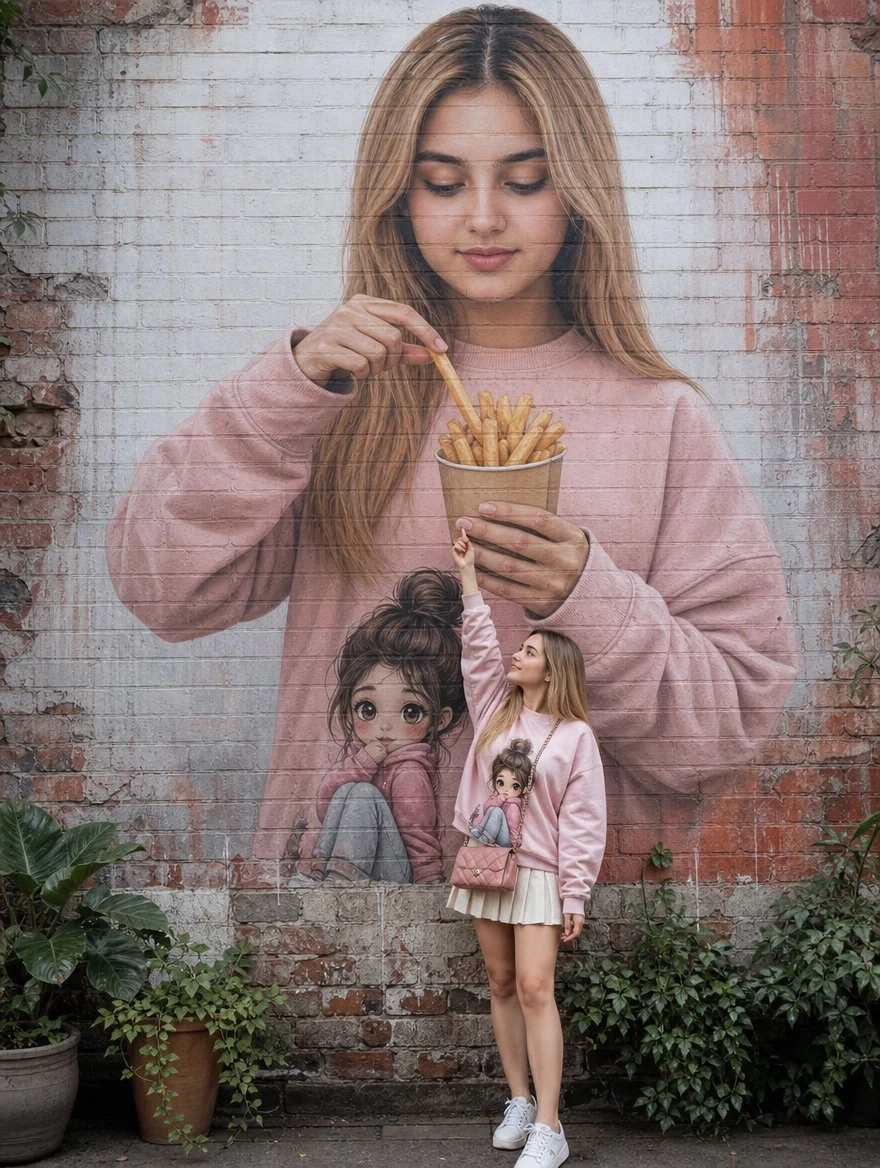
 Arina Ai
 Prompt アトリエ|AI画像プロンプト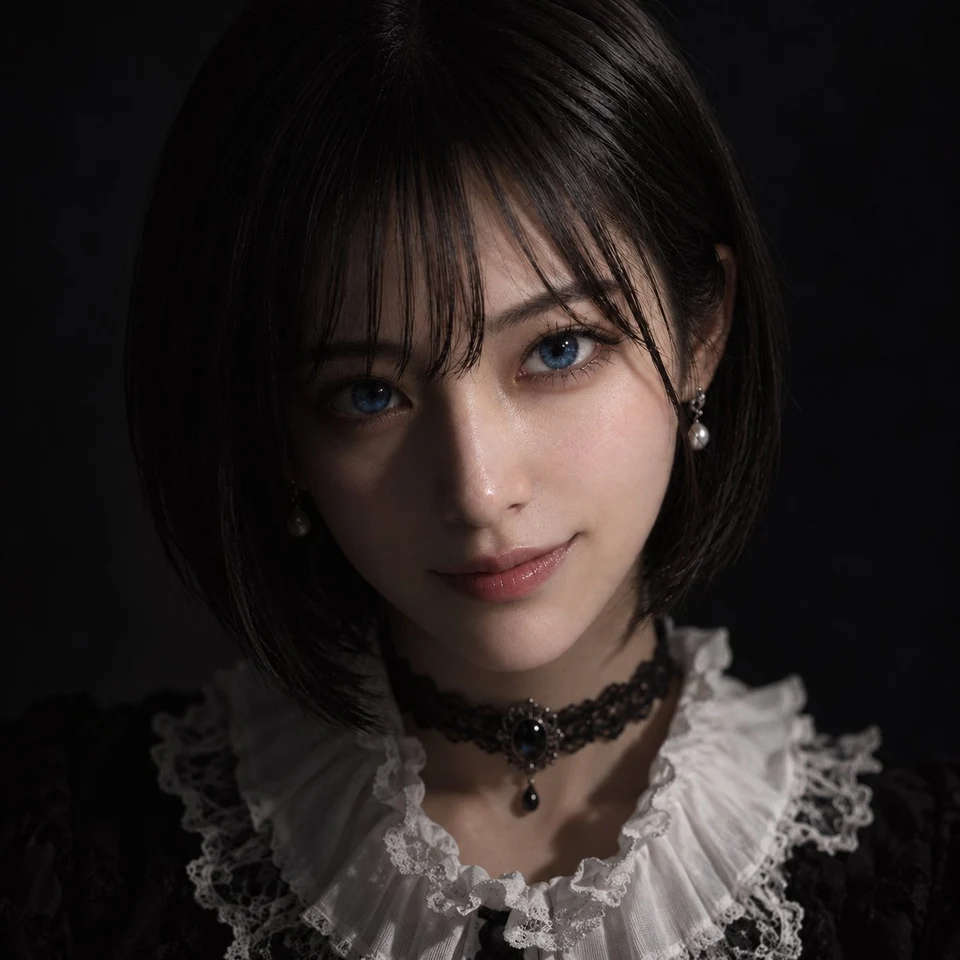
 周防義経
周防義経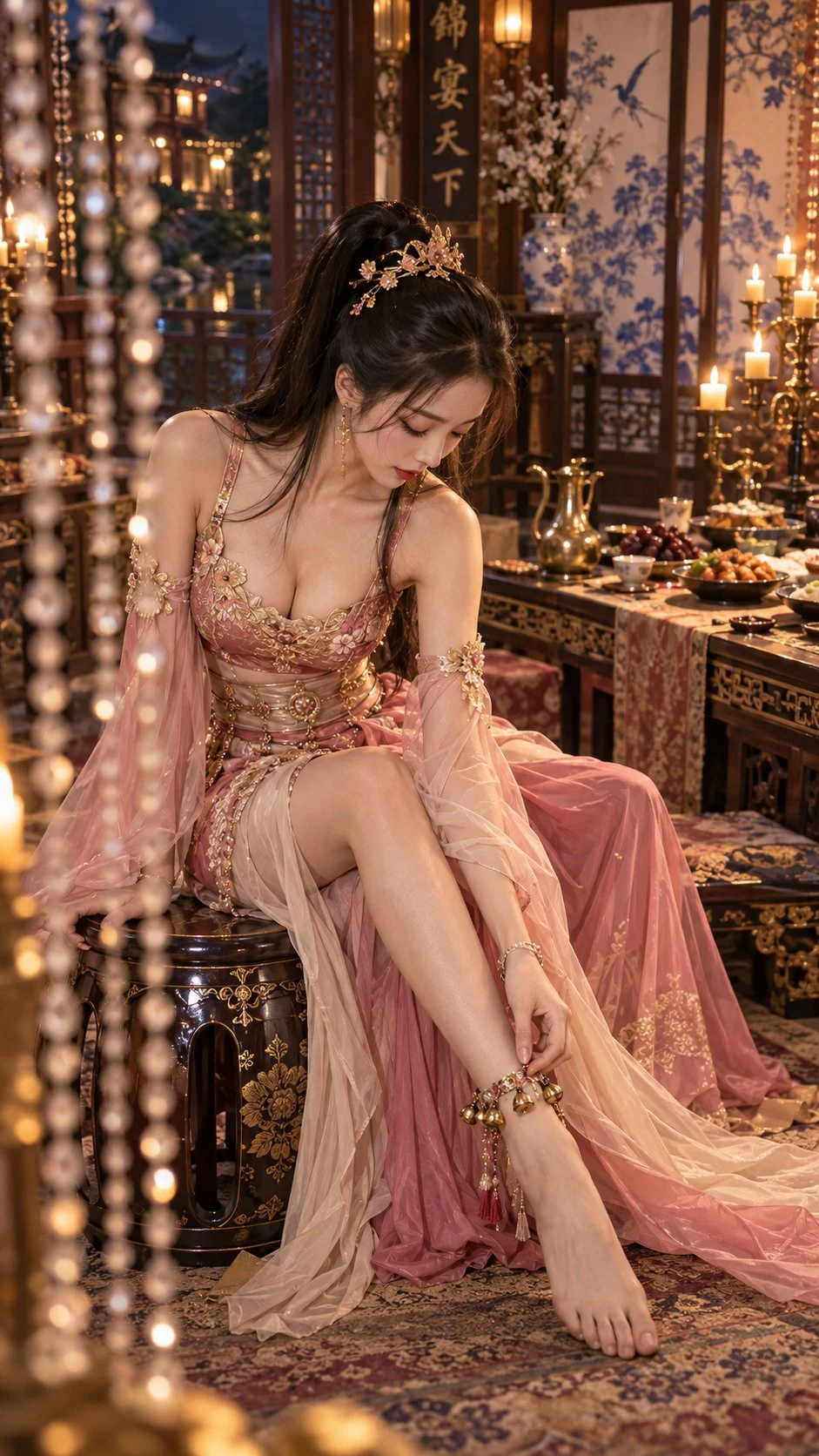 Mr.pinecone
 Mr.pinecone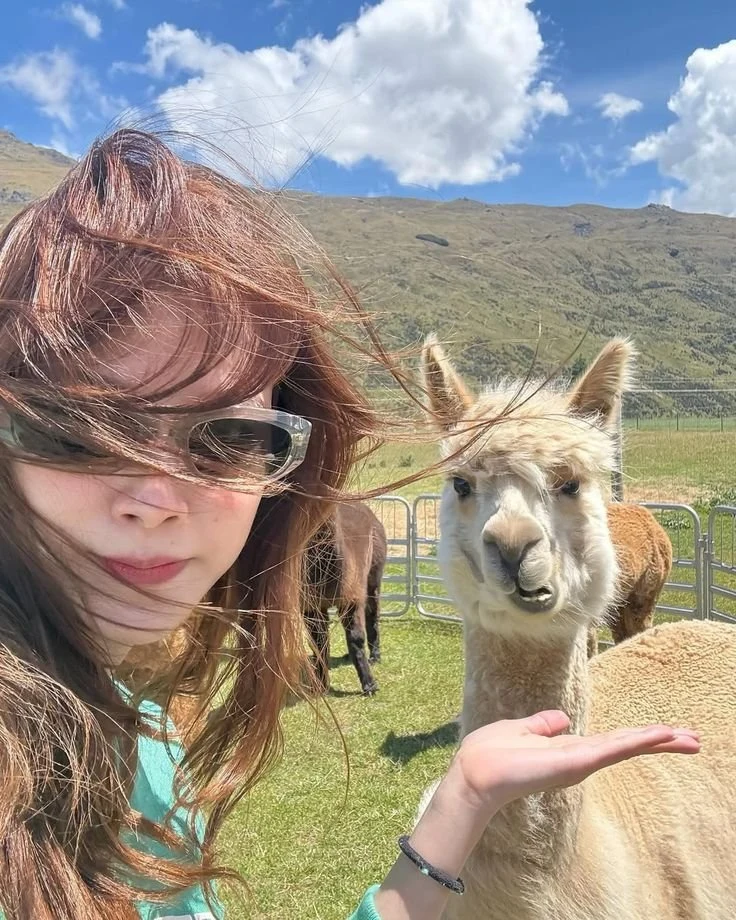
 Mahnoor Fatima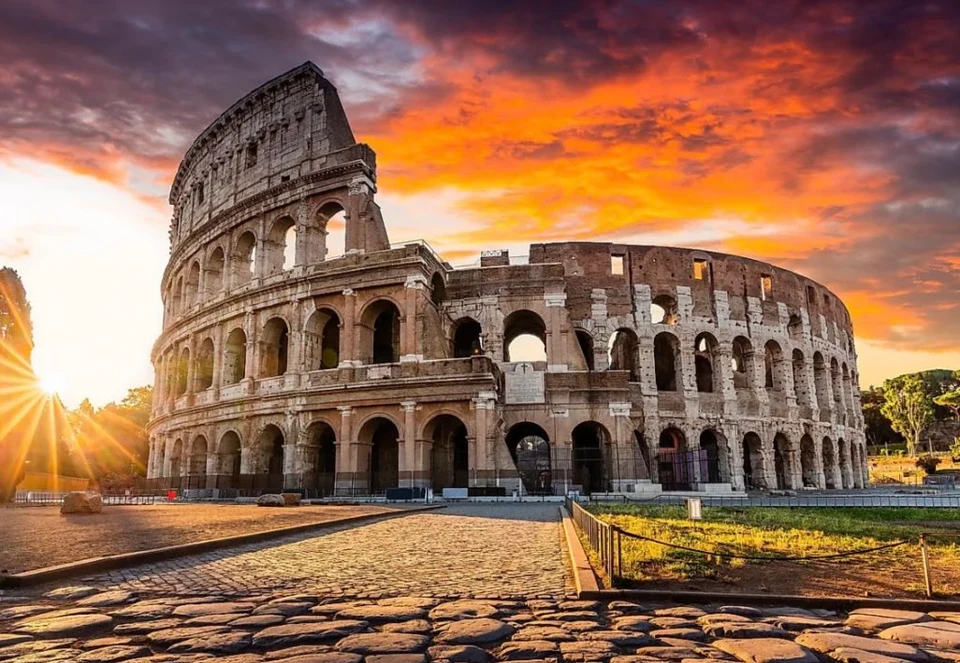
 simeon-sanai
 𝑨𝒇𝒓𝒊𝒏
𝑨𝒇𝒓𝒊𝒏Creation directions to explore
Product and poster layouts
Study published packaging, menu, collectible, and advertising compositions before adapting a prompt.
Portrait and character concepts
Explore editorial portraits, anime panels, 3D characters, and other people-focused visual briefs.
Reference-guided variations
Use permitted images to guide a subject, layout, or visual treatment while describing what should change.
How to create with GPT Image 2
- 1
Choose the input mode
Start from text, or add permitted reference images and state what each image should guide.
- 2
Structure the prompt
Separate the subject, composition, lighting, text requirements, and constraints into clear instructions that can be checked in the result.
- 3
Confirm output settings
Choose among 1K, 2K, 4K (member) for the intended use and confirm the output count.
- 4
Review and refine
Inspect the subject, composition, text, anatomy, and small details, then revise the prompt, references, or output settings.
Related creation guides
AI portrait generator
Build portrait prompts from text or a permitted reference photo.
AI character generator
Develop 3D, anime, paper-cut, and illustrated character briefs.
Reference image generator
Learn how to separate details to preserve from details to redesign.
AI product image generator
Develop product photography, advertising, packaging, and menu briefs.
AI poster generator
Plan campaign hierarchy, imagery, copy space, and output ratios.
Compare published work from other models
GPT Image 2 questions
- Does GPT Image 2 support reference images?
- Yes. With one requested output, Caika currently allows up to 16 reference images; the creation panel shows the enforced limit.
- Which output sizes are available for GPT Image 2?
- The current model configuration lists 1K, 2K, 4K (member). Confirm the final available option in the creation panel before submitting.
- How many images can one request generate?
- Caika currently configures GPT Image 2 for Up to 4 images per request.
- Is GPT Image 2 currently available in Caika?
- It is currently enabled in Caika. Final controls and the credit total are shown before submission.