ByteDance image model
Seedream 5.0 Lite AI Image Generator, Prompts & Examples
Seedream 5.0 Lite is a ByteDance image model in Caika. It currently supports text-to-image and reference-guided creation. Its current public examples focus on oil-painting, watercolor, landscape, and storybook-like illustration prompts that can be inspected in full.
Specifications come from Caika's current model configuration and may change with provider or product settings; confirm final controls and credits in the creation panel.
Current model capabilities in Caika
- Model provider
- ByteDance
- Input modes
- Text-to-image and image input
- Reference images
- Supported; currently up to 14 with one output
- Output sizes
- 2K / 3K / 4K
- Outputs
- Up to 4 images per request
- Access
- Member model
Published Seedream 5.0 Lite examples and prompts
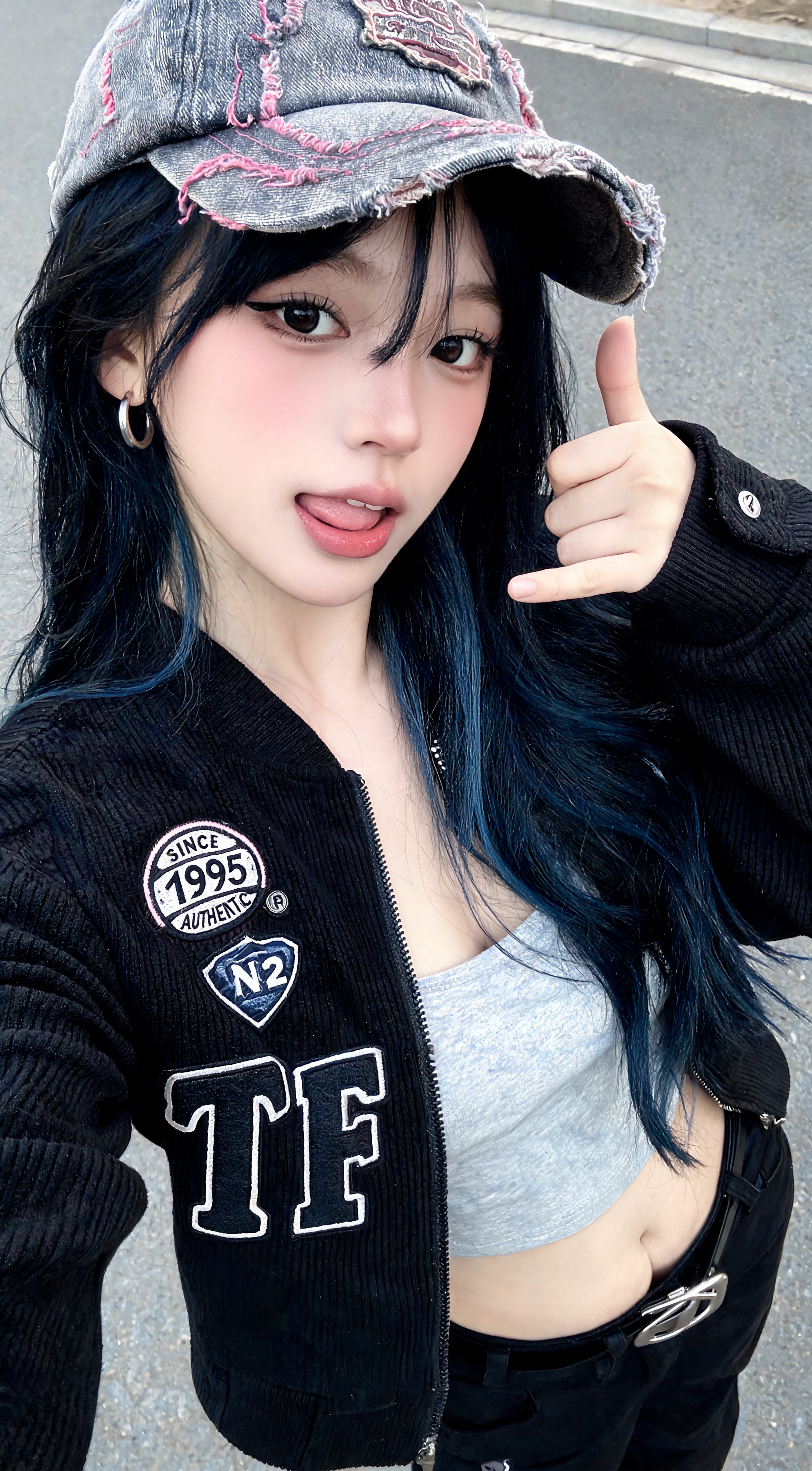
These Seedream 5 works show the complete prompts behind painterly landscapes, nature scenes, and a small fantasy environment.

Creation directions to explore
Painterly landscapes
Specify medium, season, terrain, light, palette, and the visual depth between foreground and background.
Nature illustration
Build a clear focal subject with controlled water, foliage, flowers, reflections, or other supporting elements.
Storybook environments
Combine a small architectural or character idea with readable scale, atmosphere, and handcrafted visual cues.
How to create with Seedream 5.0 Lite
- 1
Choose the input mode
Start from text, or add permitted reference images and state what each image should guide.
- 2
Structure the prompt
Name the medium first, then describe the subject, composition, brush or texture treatment, palette, atmosphere, and level of detail.
- 3
Confirm output settings
Choose among 2K, 3K, 4K for the intended use and confirm the output count.
- 4
Review and refine
Inspect the subject, composition, text, anatomy, and small details, then revise the prompt, references, or output settings.
Related creation guides
Compare published work from other models
Seedream 5.0 Lite questions
- Does Seedream 5.0 Lite support reference images?
- Yes. With one requested output, Caika currently allows up to 14 reference images; the creation panel shows the enforced limit.
- Which output sizes are available for Seedream 5.0 Lite?
- The current model configuration lists 2K, 3K, 4K. Confirm the final available option in the creation panel before submitting.
- How many images can one request generate?
- Caika currently configures Seedream 5.0 Lite for Up to 4 images per request.
- Is Seedream 5.0 Lite currently available in Caika?
- It is currently enabled in Caika. Final controls and the credit total are shown before submission.