AI image model
Z Image Turbo AI Image Generator, Prompts & Examples
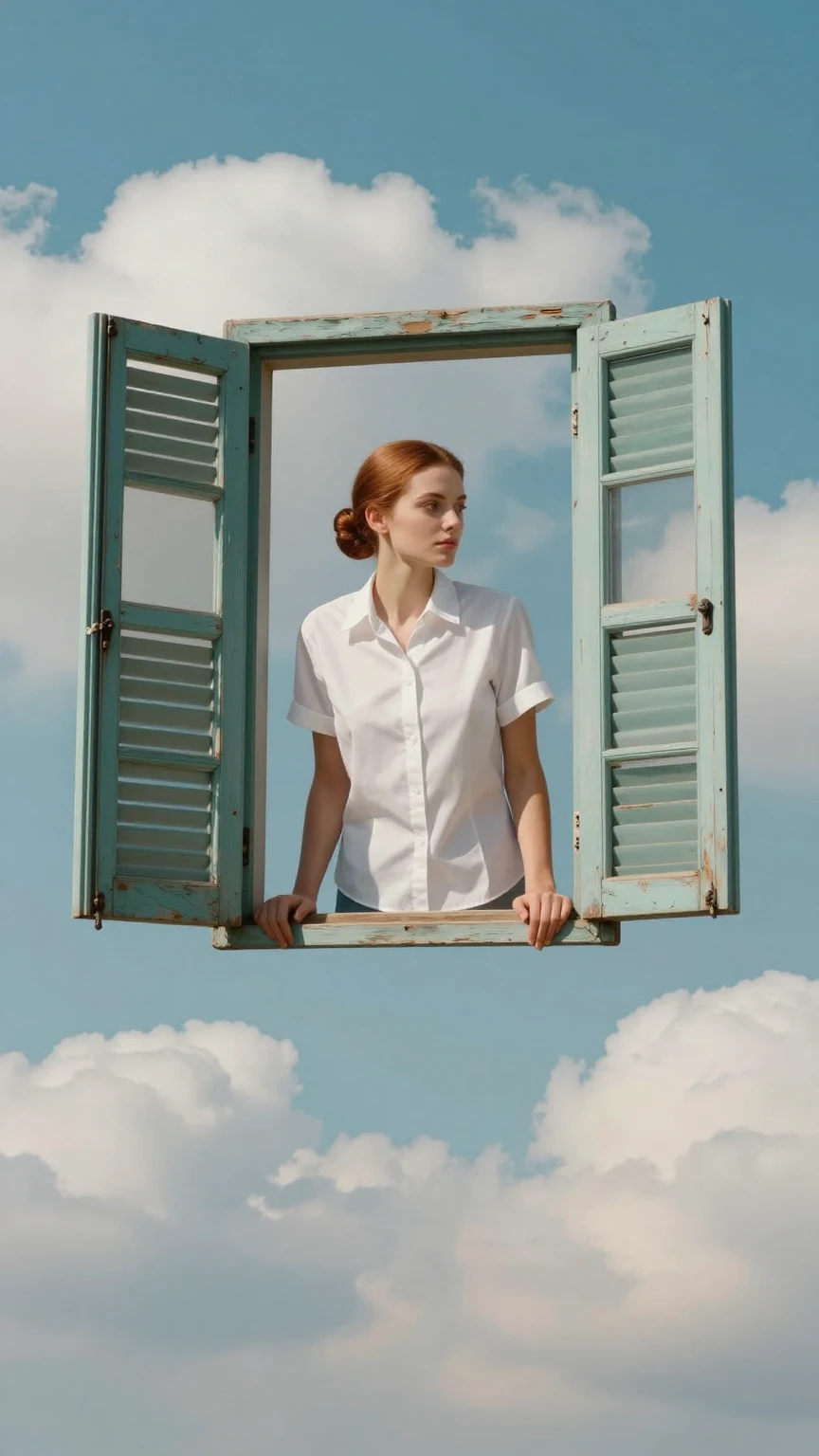
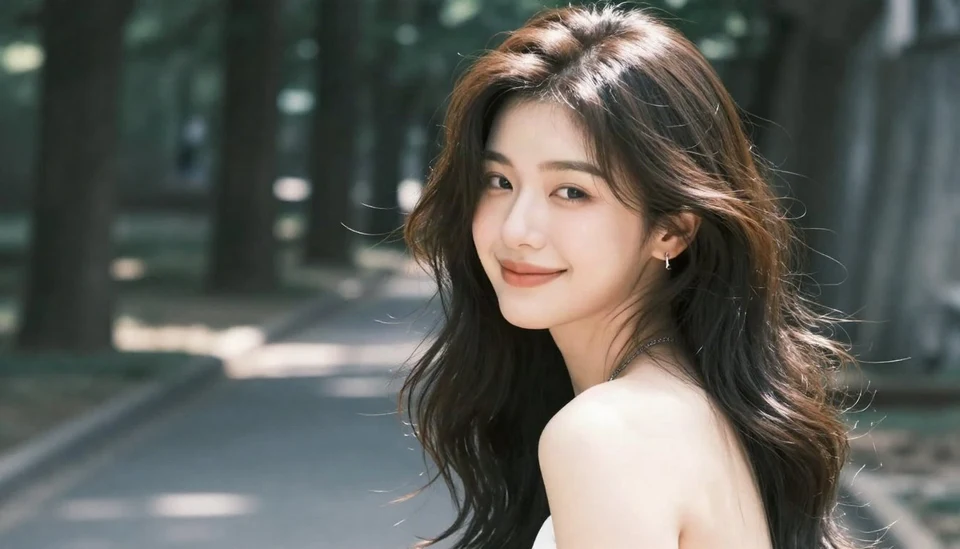
Z Image Turbo is an image model available in Caika. Its current configuration supports text-to-image only. Its public Caika gallery centers on prompt-led landscapes, surreal scale, atmospheric nature, and neon environments, with each prompt available for inspection.
Specifications come from Caika's current model configuration and may change with provider or product settings; confirm final controls and credits in the creation panel.
Current model capabilities in Caika
- Input modes
- Text-to-image only
- Reference images
- Not supported
- Output sizes
- No separate resolution tier in the current configuration
- Outputs
- 1 image per request
- Access
- Free-tier model
Published Z Image Turbo examples and prompts
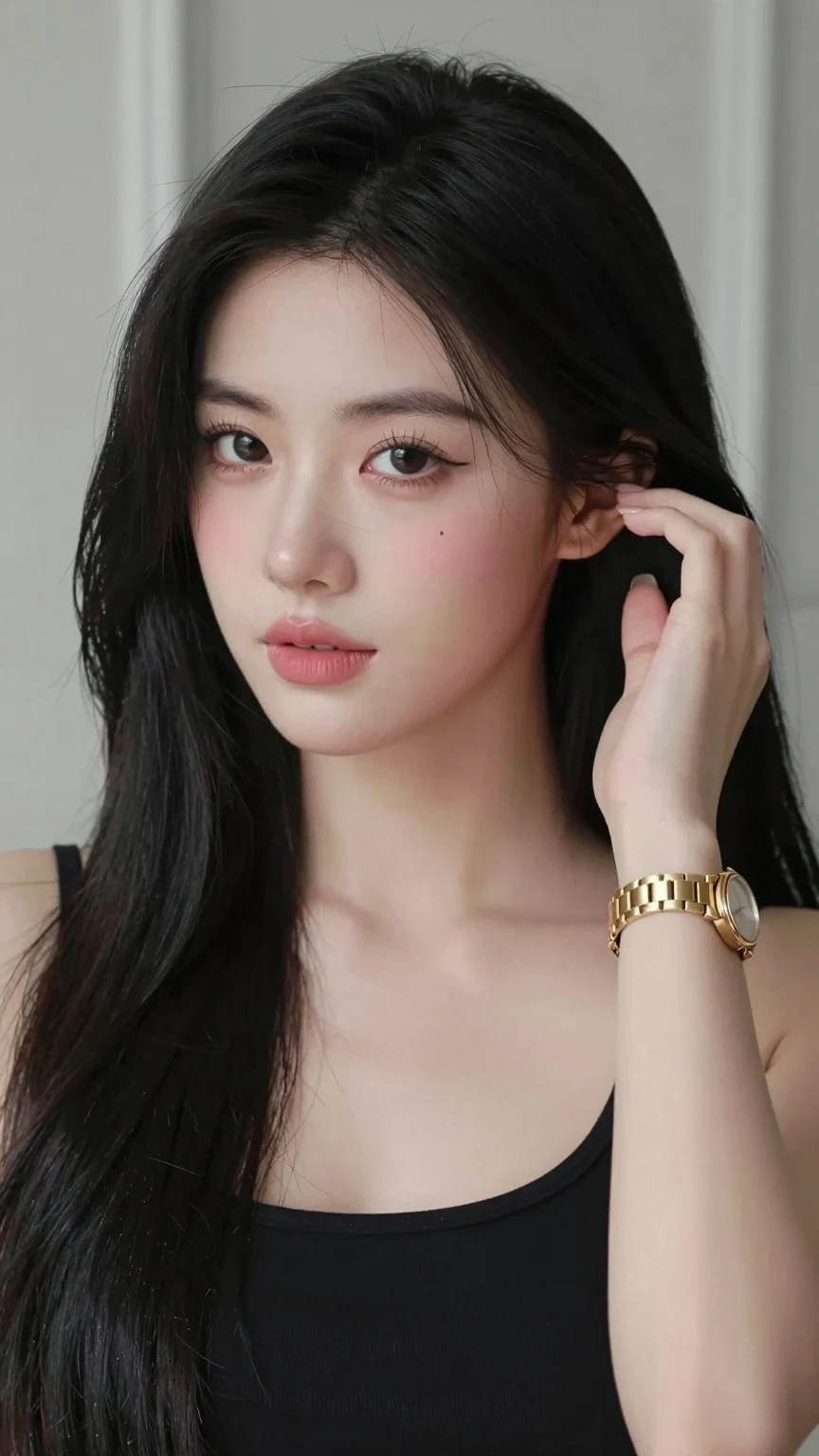
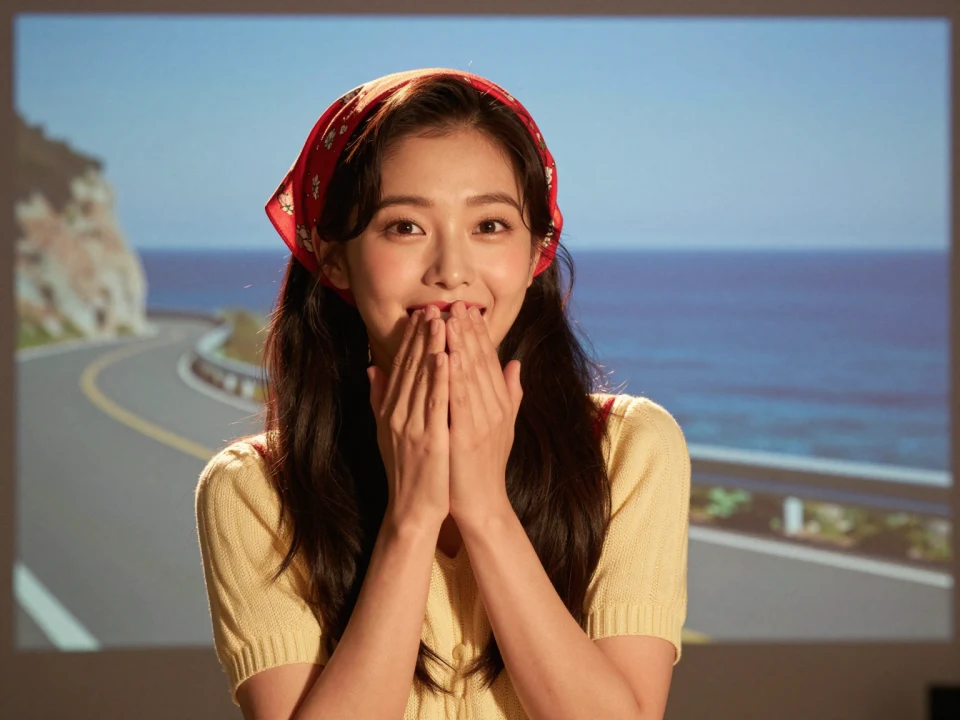
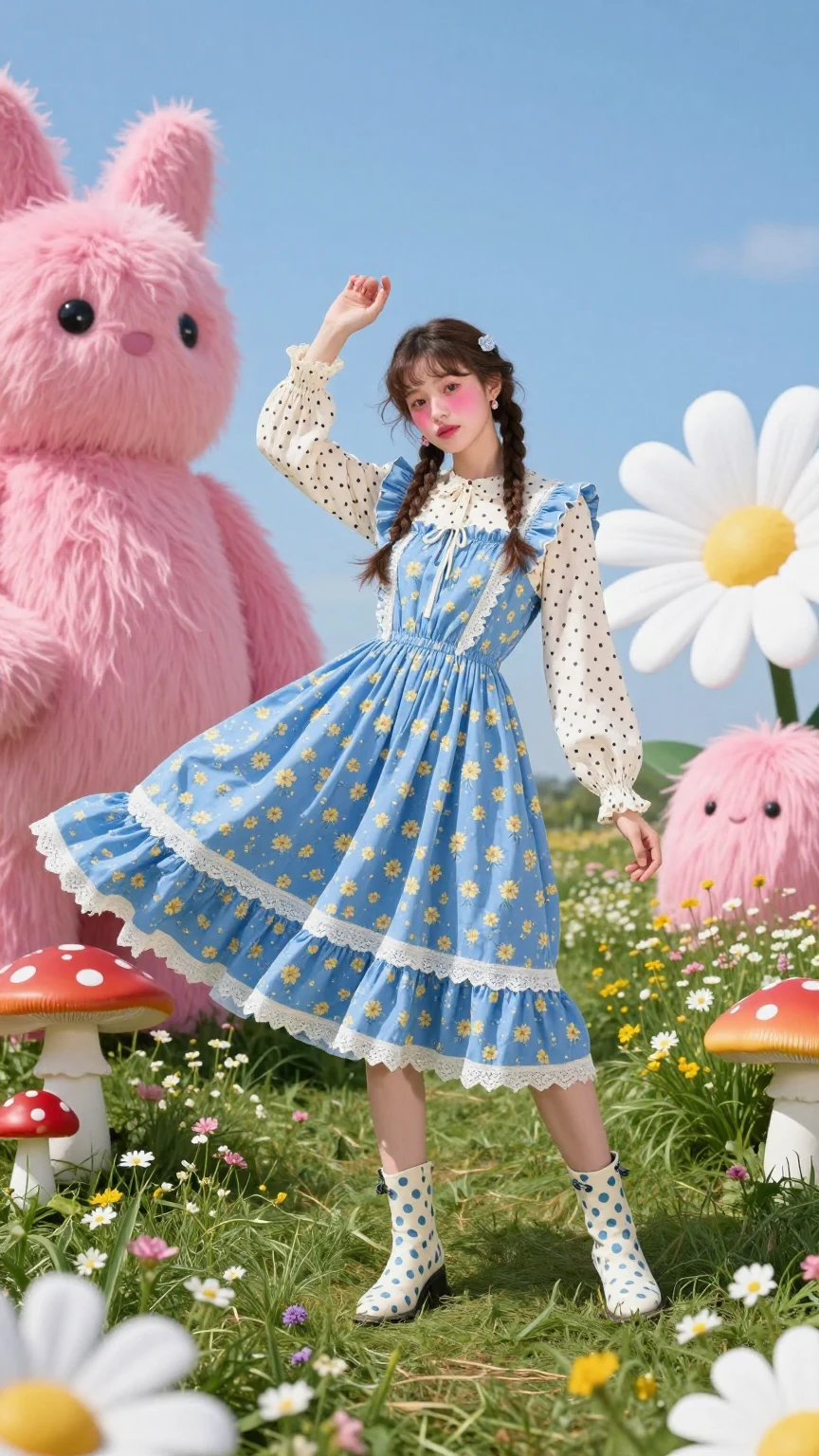
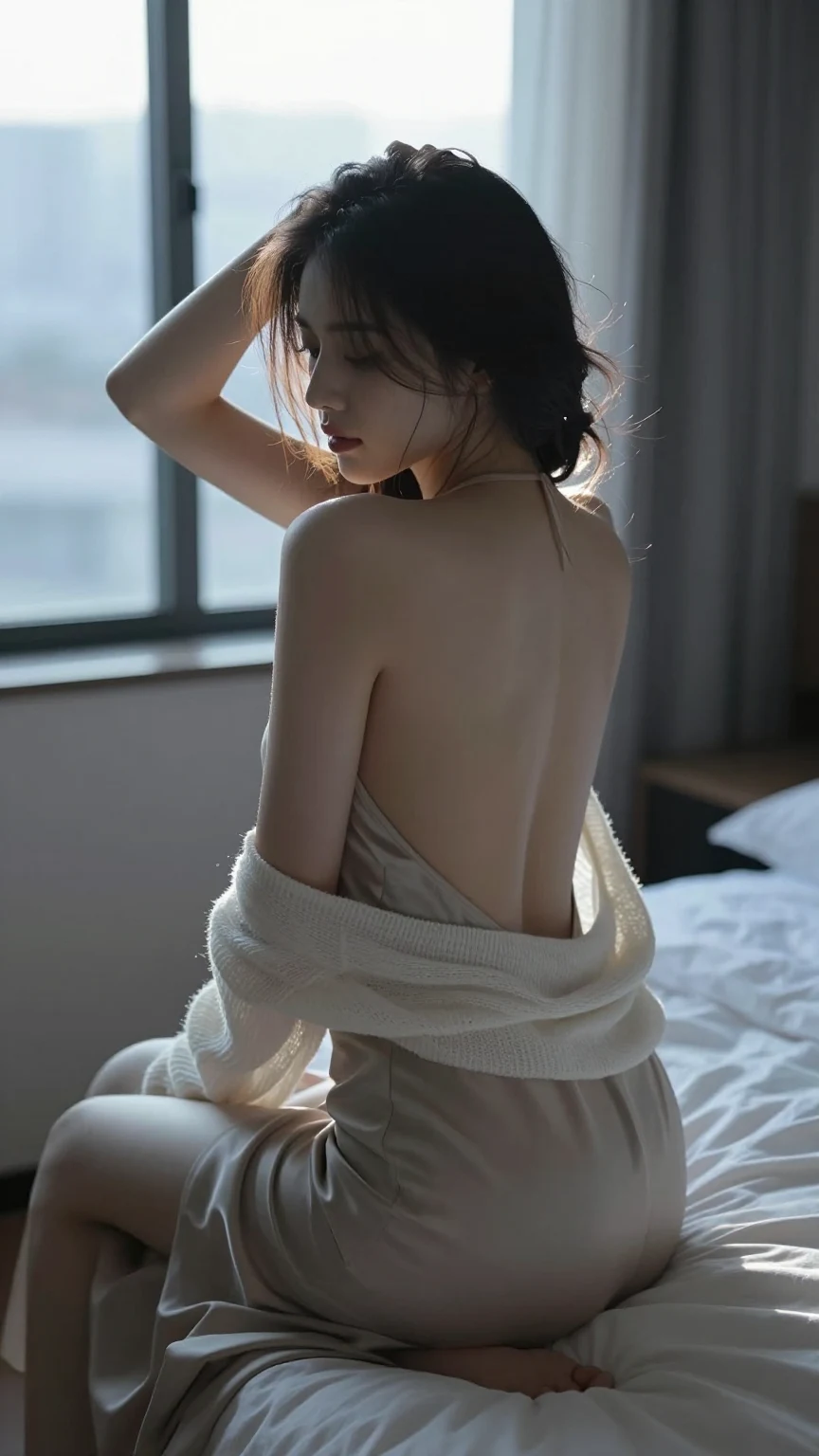
Browse Z Image Turbo results for auroras, forests, surreal city scenes, and synthwave environments, then open one to read its prompt.



Creation directions to explore
Atmospheric landscapes
Control weather, time of day, terrain, light direction, color, and foreground-to-background depth.
Surreal scale
Pair one impossible focal subject with a grounded environment so the intended contrast remains readable.
Neon environments
Define road, skyline, signage, reflections, haze, and a limited palette around a clear viewpoint.
How to create with Z Image Turbo
- 1
Choose the input mode
Start with a clear text prompt that defines the subject and purpose of the image.
- 2
Structure the prompt
Describe the main subject, scale, viewpoint, atmosphere, lighting, and palette in a direct sequence, keeping the scene hierarchy easy to follow.
- 3
Confirm output settings
Review the available ratio and output controls in the creation panel before confirming the request.
- 4
Review and refine
Inspect the subject, composition, text, anatomy, and small details, then revise the prompt, references, or output settings.
Related creation guides
Compare published work from other models
Z Image Turbo questions
- Does Z Image Turbo support reference images?
- No. The current Caika configuration accepts text prompts only.
- Which output sizes are available for Z Image Turbo?
- The current model configuration has no separate resolution tier; use the available output controls in the creation panel.
- How many images can one request generate?
- Caika currently configures Z Image Turbo for 1 image per request.
- Is Z Image Turbo currently available in Caika?
- It is currently enabled in Caika. Final controls and the credit total are shown before submission.